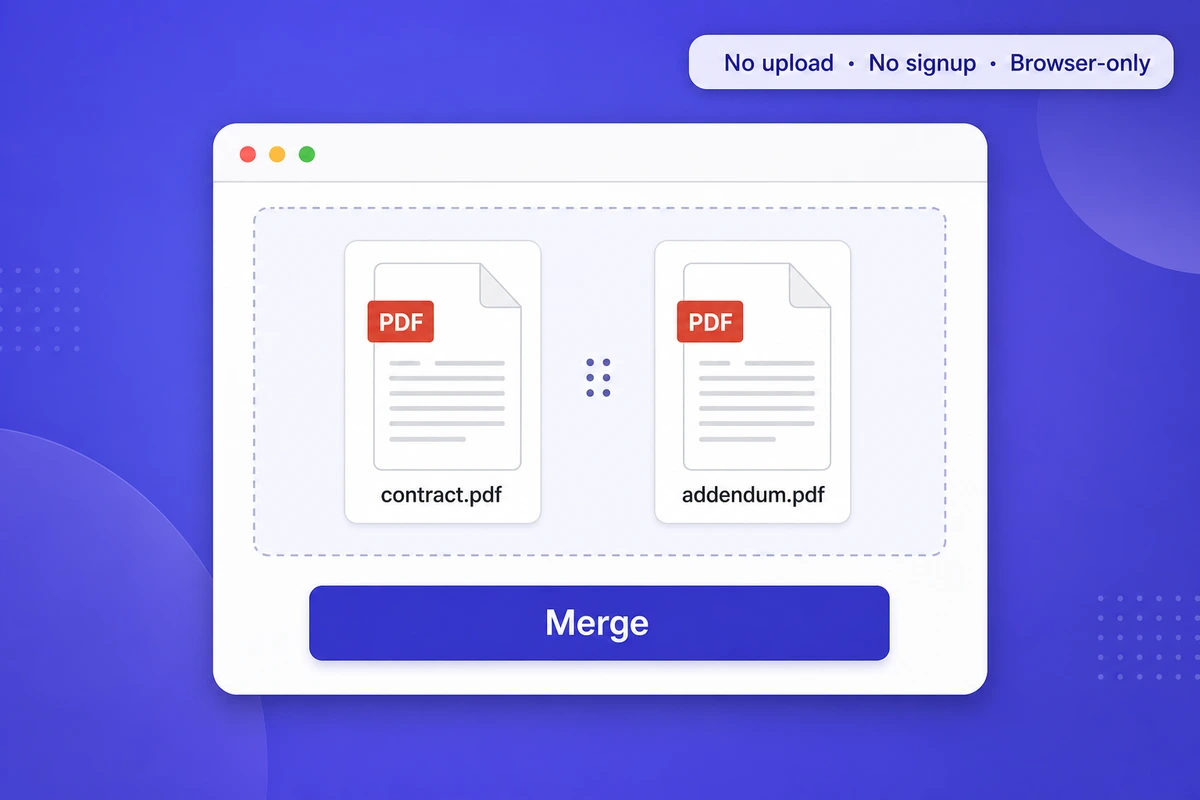
To merge PDFs without uploading them to any server, use a client-side browser tool that runs pdf-lib or WebAssembly inside your tab (your file never leaves the page), or a desktop app like macOS Preview, PDFsam Basic, or the qpdf CLI. Verify by opening DevTools Network tab : no POST request with multipart form-data should appear.
Merging PDFs sounds harmless. But the moment you drop a contract, a medical report, or a tax filing into a free online tool, your file gets uploaded to a remote server — sometimes in a country with very different privacy laws than yours. In 2026, that should worry you. Here's how to merge PDFs without uploading anything, using tools that run entirely in your browser or on your device.
Why "free online merger" usually means "we keep your file"
Most "free PDF merge" sites work like this: you drop the files in, they upload them to AWS or Cloudflare, a server merges them, and you download the result. The terms of service almost always include a clause like "files are deleted after 1 hour" — which is comforting, until you realize:
- The file was already uploaded, processed, and likely cached
- Backups can persist for days or weeks
- A breach during that 1-hour window exposes your document
- Some tools train AI models on your data (read the small print)
For a public PDF, no big deal. For a payslip, a divorce settlement, a board deck, or a patient record, it's a real problem — especially under GDPR, HIPAA, or SOC 2 obligations.
What "client-side" actually means
A client-side PDF tool runs the merge logic inside your browser tab using pdf-lib or WebAssembly modules — your file never crosses the network. Browser engines are now fast enough that even large merges finish locally, with no round trip to a server.
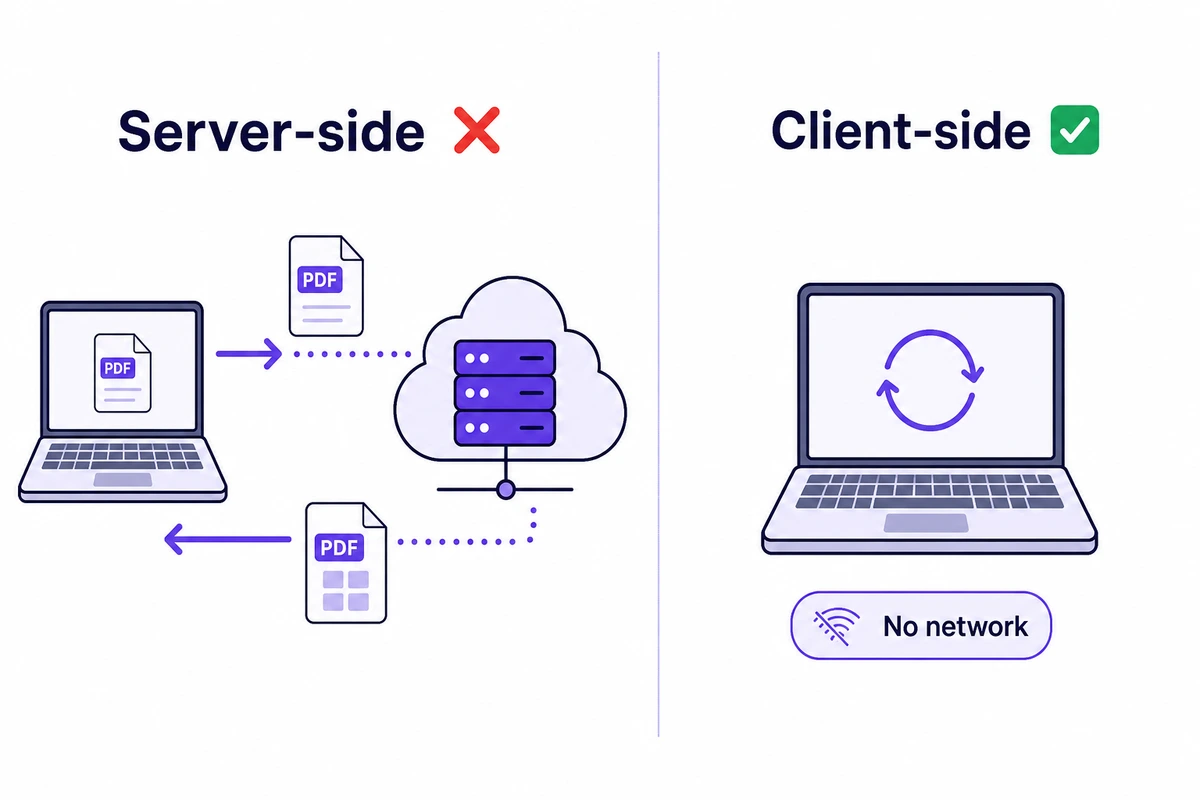
A client-side PDF tool runs the merge logic inside your browser. Your files never leave your device. The page loads JavaScript (typically pdf-lib or PDFKit) — and increasingly WebAssembly (Wasm) modules compiled from C/C++ libraries like MuPDF or Poppler — and the merge happens in your tab using your CPU. When the merged PDF is ready, your browser hands it to you as a download. No server involved, no internet bandwidth used after the page loaded.
WebAssembly is now a standard part of the web platform, which is why client-side PDF tools went from "neat demo" to "production-grade". Wasm runs at near-native speed inside the browser sandbox, so a merge that used to require a server now runs on your own machine.
Compliance angle: a tool where files never transit your servers is GDPR-compliant by design (no processor-controller relationship, no data transfer), helps with HIPAA (no PHI leaves the covered entity's device — no BAA needed for the tool vendor), and aligns with CCPA, SOC 2 CC6, and the EU AI Act's data-minimization principles. Server-side competitors usually need a Data Processing Agreement and a Business Associate Agreement; client-side tools sidestep both because there is no processor.
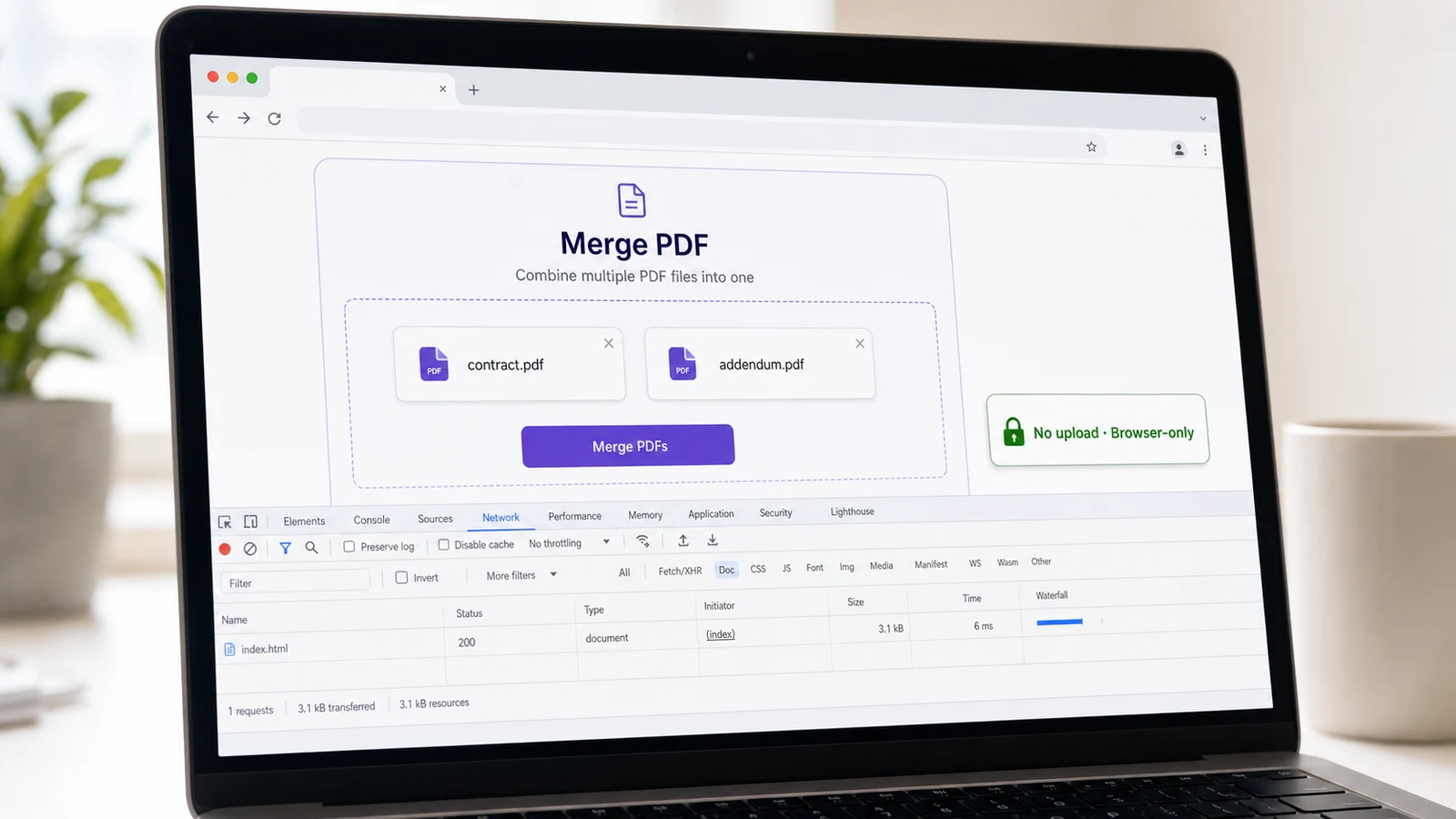
You can verify it yourself: open Chrome DevTools, go to the Network tab (filter "Fetch/XHR"), drop your PDFs in, and watch — no POST request with multipart form-data should appear during the merge. If you see one, the tool is uploading your file.
Option 1 — A browser-based, no-upload merger
The fastest privacy-preserving option : open a browser-based merger that explicitly processes files client-side, drop your PDFs in, hit merge, download. Works even with Wi-Fi off after the page loads.
If you want the simplest path: iFillPDF's merge-PDF tool processes everything client-side. Drop your files, set the order, hit "Merge", download. Nothing is uploaded and no account is needed — the merge itself makes no network call once the page has loaded.
Other genuinely client-side / no-upload options:
- PDF24 Tools (Geek Software, Germany, GDPR-friendly) — works offline as a desktop app or in-browser
- Stirling-PDF (self-hostable, MIT license) — for teams who want their own internal Docker instance
- Sejda Desktop — paid, but fully local processing
- BentoPDF — open-source, pdf-lib + WebAssembly, no telemetry
- IonianCore — client-side merger, explicit no-upload guarantee
Smallpdf, iLovePDF and Adobe online all run the merge on their own servers, which means your file is uploaded first. Worth knowing before you drop a confidential document in.
Option 2 — Desktop tools that never touch the network
If you don't trust browser-based promises, go fully offline:
- macOS Preview: open the first PDF, drag the second one into the sidebar, save. Free, built-in, fully offline.
- PDF24 Creator (Windows): free, quick to install, processes on your machine.
- PDFsam Basic (cross-platform): open-source, widely used for local PDF merging.
- Linux: pdftk or qpdf: command-line, scriptable.
pdftk a.pdf b.pdf cat output merged.pdf.
These are 100% offline. Slower to set up, but zero ambiguity.

Option 3 — Command line for repeatable workflows
If you merge PDFs as part of a recurring workflow (monthly invoice batch, weekly reports), a CLI is your friend. With qpdf installed:
qpdf --empty --pages a.pdf b.pdf c.pdf -- merged.pdf
That's it. No upload, no GUI, no audit risk. Drop it in a cron job or a Makefile and forget about it.
How to verify a tool is really client-side
Five signs a "merger" actually keeps your file local:
- Open DevTools (F12), Network tab: drop your PDFs and watch. If you see a POST request with multipart form data, your file just got uploaded.
- Disconnect from the internet mid-merge. If it still works, it's client-side.
- Read the privacy policy. Look for "files are processed in your browser" or "no data leaves your device" — and the absence of any "we may use uploaded files" clause.
- Check for open-source code. Stirling-PDF and PDF24 publish their code. You can audit it.
- Look at the file size limit. Browser-based tools are bounded by your device memory, so their caps tend to be generous. Server-based tools often impose a tight one, because they pay for the bandwidth.
A word on "encrypted upload" tools
Some tools claim "we upload your file but it's encrypted in transit." That's true of every HTTPS site. The question is what happens after the upload, on the server. If the server has the decryption key (which it must, to merge the file), then "encrypted in transit" gives you nothing. End-to-end encryption for a server-side merge is mathematically impossible — the server has to read the bytes.
The only privacy-true model is: the merge happens where the file already lives.
When client-side isn't enough
Two cases where you may still want a desktop tool over a browser:
- Very large PDFs: browsers can run out of memory. Native apps handle gigabyte files comfortably.
- Sensitive corporate environments: some IT policies block all web uploads, even client-side tools, on principle. A signed, audited desktop app is easier to justify.
FAQ
Can I merge PDFs without uploading them to a server? Yes. Use a client-side browser tool (iFillPDF, PDF24, BentoPDF, Stirling-PDF self-hosted) that runs pdf-lib or WebAssembly inside your browser tab. Verify by opening DevTools Network tab : zero POST request with multipart form-data should appear during the merge. Alternatively, use a desktop tool : macOS Preview, PDFsam Basic, qpdf CLI — all 100% offline.
Are online PDF mergers GDPR-compliant? Server-side mergers (Smallpdf, ILovePDF, Adobe Online) typically need a Data Processing Agreement and qualify as data processors under GDPR Article 28. Client-side mergers sidestep both because no personal data ever transits the vendor's servers — your file's bytes stay on your device. Look for explicit "files processed in your browser" wording in the privacy policy.
Will a browser-based merger work on a 500 MB PDF? Most browser-based mergers handle a few hundred megabytes comfortably thanks to WebAssembly. On very large files your browser may run out of memory ; switch to a native desktop app like PDFsam Basic or the qpdf command-line tool, which handle gigabyte-scale files without trouble.
How do I verify a "free PDF merger" is really client-side? Three checks : (1) open DevTools (F12) Network tab, drop your PDFs, watch for any POST request with multipart form-data — if you see one, the file is uploading ; (2) disconnect from the internet mid-merge — if it still works, it's truly client-side ; (3) read the privacy policy for the phrase "files are processed in your browser" or "no data leaves your device".
Is iFillPDF's merge tool really client-side? Yes. The merge runs in your browser using pdf-lib + WebAssembly. The page loads, you drop your PDFs, the merge happens locally, and your file stays in your browser tab the entire time. No upload, no signup, no account. Verifiable in DevTools Network tab.
Just need to merge two PDFs right now?
If you want to combine PDFs in the next 60 seconds, without an install, without an upload, and without an account: open iFillPDF's free merge tool, drop your files, reorder if needed, click Merge. The page works offline, the file never leaves your browser, and you can also explore splitting or compressing the result — all client-side, in the same tab.