Upload a PDF.
Find the fields and fill it with AI.
Free import · account required to download · free export with watermark
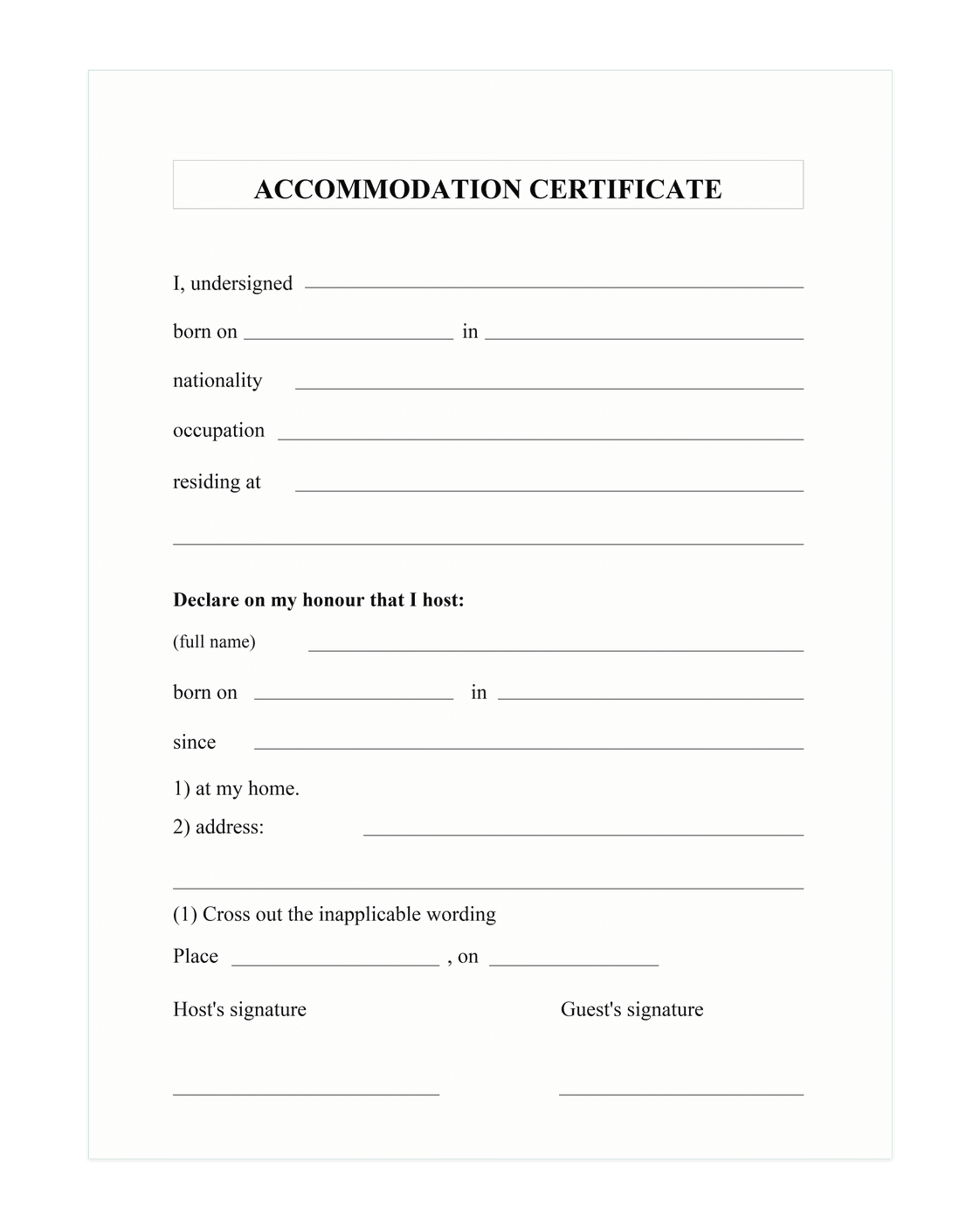
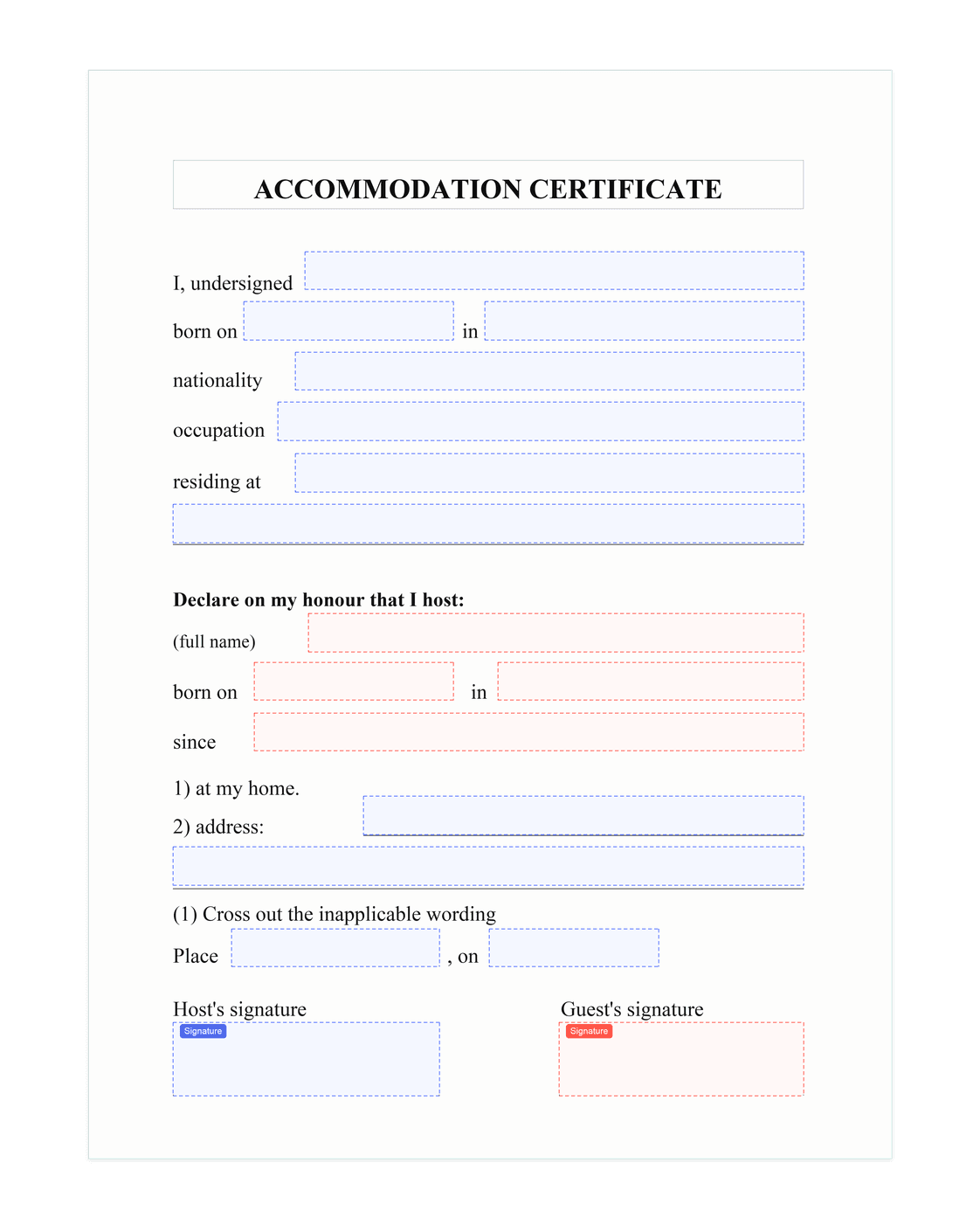
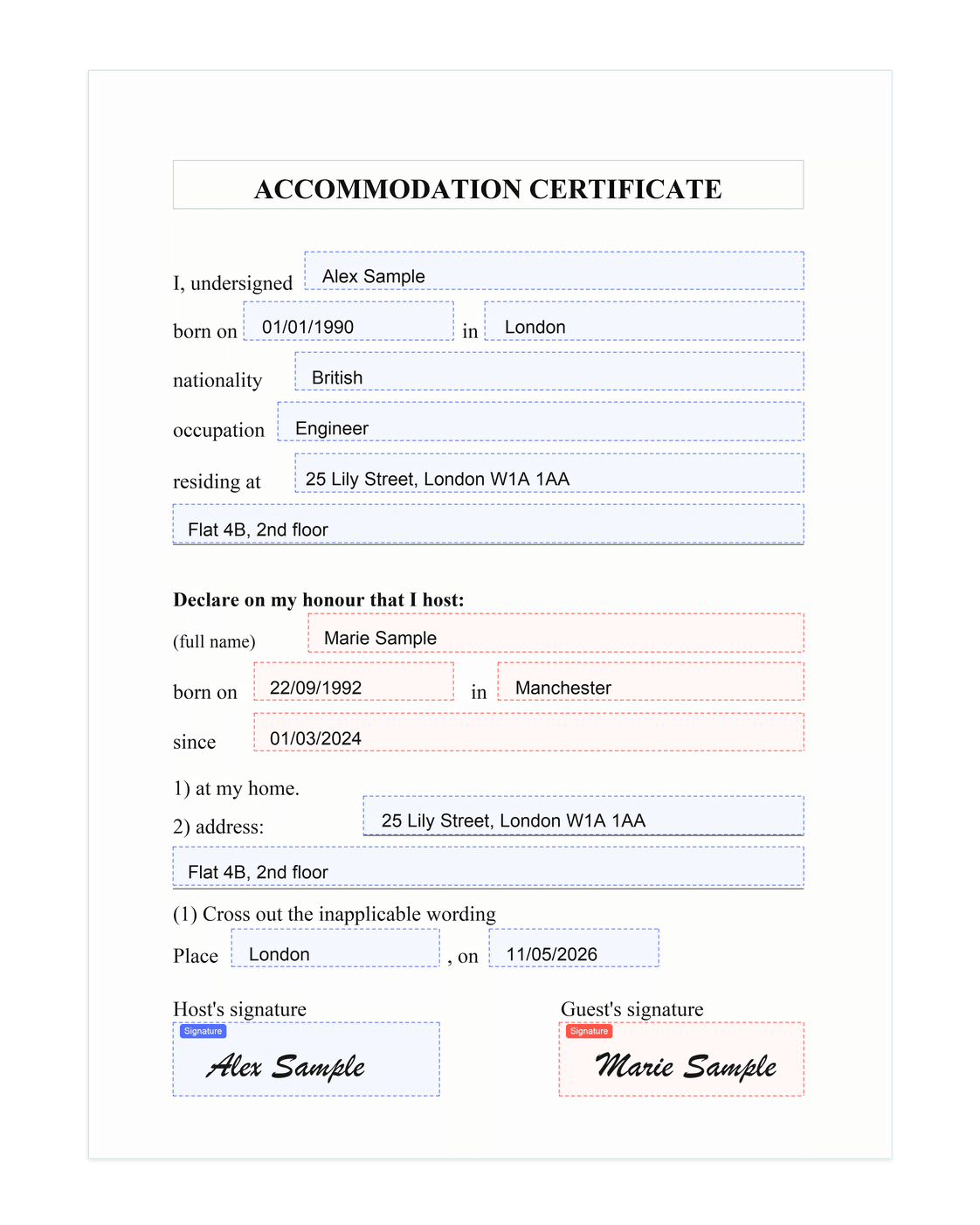
- 1
Original PDF - 2
Detected fields - 3
Filled result
- 01Drop
- 02Review
- 03Sign or send
“The form filled before your coffee gets cold.”
Free online PDF tools, no signup
Merge, split, compress, rotate, convert a PDF online — files processed in your browser, never uploaded to our servers.
Smart features
Advanced AI analysis
Our AI intelligently parses your PDF forms and automatically maps your information to the right fields.
Profile management
Create and manage multiple profiles with your personal and business information.
Full PDF support
Works with every kind of PDF form: text fields, checkboxes, dropdowns, and more.
Fast processing
Auto-fill in seconds thanks to our infrastructure and high-performance AI models.
Privacy first
Local tools stay in your browser. PDFs processed with AI are EU-hosted, encrypted, and never used to train models.
Modern stack
Built with Next.js, TypeScript, and the latest AI tech for a smooth experience.
Ready to automate your forms?
Save time, reduce errors. Free account, no credit card.
Fill a PDF for freeFilling a PDF online: frequently asked questions
How do I fill a PDF online with AI?
Upload your PDF to iFillPDF — the AI assistant automatically detects the fields (text, checkboxes, dropdowns) and proposes a fill from your profile or from a natural-language instruction. You review, sign if needed, then download the filled PDF in seconds.
Is the PDF filling service really free?
On the web, fill, edit and sign PDFs for free with no document limit and a watermark on exports. The currently available Lifetime offer removes that watermark for $8.99 as a one-time payment, with no subscription. AI Deep Detect credits for advanced recognition and smart pre-filling are purchased separately and never expire: 1 credit = 1 analyzed document. A free account is required to download from the editor.
Are my PDF documents private and GDPR-compliant?
Yes. PDF utilities (merge, compress, convert…) run 100% in your browser — your files never leave your device. For AI filling, traffic goes through servers hosted in the European Union (Frankfurt), GDPR-compliant, with no model training on your data.
What kinds of PDF forms can I fill?
All of them: government forms (W-9, IRS, immigration…), leases, inspection reports, quotes, invoices, sworn statements, freelance contracts, cover letters. iFillPDF supports interactive fields (AcroForm) as well as scanned PDFs thanks to AI detection.
Do I need to install software to fill a PDF online?
No. iFillPDF runs straight from your browser (Chrome, Safari, Firefox, Edge), on desktop, iPhone or Android. No install, no extension, no account required to get started.
How does iFillPDF compare to Smallpdf, iLovePDF or Adobe Acrobat?
Unlike Smallpdf, iLovePDF or PDF24, iFillPDF uses AI to automatically pre-fill fields from your profile or an instruction. It is a European alternative to Adobe Acrobat, with a single lifetime payment instead of a monthly subscription, GDPR-compliant, and hosted in Europe.
Contact us
Questions? We are here to help.
Write to us
Describe your PDF need. We reply directly by email.