TL;DR — Seven editors are consistently recommended as "free PDF editors" in 2026, and they mean seven different things by the word. PDF24 gives you an unlimited, ad-supported, German-hosted suite on Windows and the web. Sejda edits in the browser with no account, within a daily task allowance. PDFgear ships native desktop and mobile apps at no cost. Smallpdf and ILovePDF are free within caps. PDFescape is free in-browser for small files. iFillPDF is free and uncapped, with a watermark on exports until you pay once. And Adobe Acrobat Reader's "free" editor stops at comments and annotations — editing text needs a paid plan. Below: what each one actually gives you, and where the catch sits.

"Free PDF editor" is the most abused promise on the modern web. Half the tools in Google's top 10 watermark your output. The other half ask for an email before you can click "Edit text". This guide walks seven of the most-recommended free PDF editors through the same eight questions, and answers each one with a checkable fact rather than a grade. iFillPDF is in the list — with its own catch stated as plainly as everyone else's.
The eight questions that decide it
Ask the same eight questions of any editor before you upload anything. They are the ones that turn "free" into a number of documents you can actually process:
- Free tier limits — daily task cap, page limit, file-size cap.
- Watermark on output — is there anything visible on the exported file?
- Signup required — is there an email or card gate before the first edit, or before the download?
- AI / smart features — auto-fill, OCR, field detection, content-aware editing.
- Mobile experience — a usable iOS/Android app, or responsive web that survives a touch screen.
- EU hosting & privacy — declared server location, retention window, and whether your files can train a model.
- OS / platform support — Windows, macOS, Linux, web, mobile.
- Output quality — fonts preserved, layout intact, scanned text still there after the edit.
Free tiers and prices in this category change often, so treat every cap below as something to re-check on the vendor's own page the day you choose.

The 7 free PDF editors worth knowing in 2026
What each one gives you, and where its catch sits.
PDF24 — unlimited free suite, Windows and web
PDF24 (built by Geek Software GmbH in Berlin) is the closest thing to a no-strings-attached free PDF Swiss Army knife in 2026. Both the desktop app (Windows only, ad-supported installer) and the web suite at pdf24.org give you 30+ tools — edit, merge, split, OCR, sign, compress, convert, redact — without account, without watermark, without page limit. Files uploaded to the web version are deleted after a few hours; the desktop version is fully offline. The catch: ads in the desktop installer (skippable) and an interface that has not been redrawn in years.
| Spec | Value |
|---|---|
| Free tier | Truly unlimited, all tools |
| Watermark | None |
| Signup | Not required |
| Hosting | Berlin, Germany (GDPR-native) |
| Platforms | Windows, Web (mobile via web) |
Pros
- 30+ tools in one suite, fully free, no daily cap
- German GDPR-native hosting — files deleted after processing
- Desktop version works fully offline (no telemetry on edit actions)
Cons
- Desktop app is Windows-only (no native macOS or Linux build)
- Interface is functional but dated; mobile experience is web-only
Price: free, ad-supported. An optional pdf24.org Premium plan removes ads and adds API access.
iFillPDF — uncapped, AI field detection, watermark on free exports
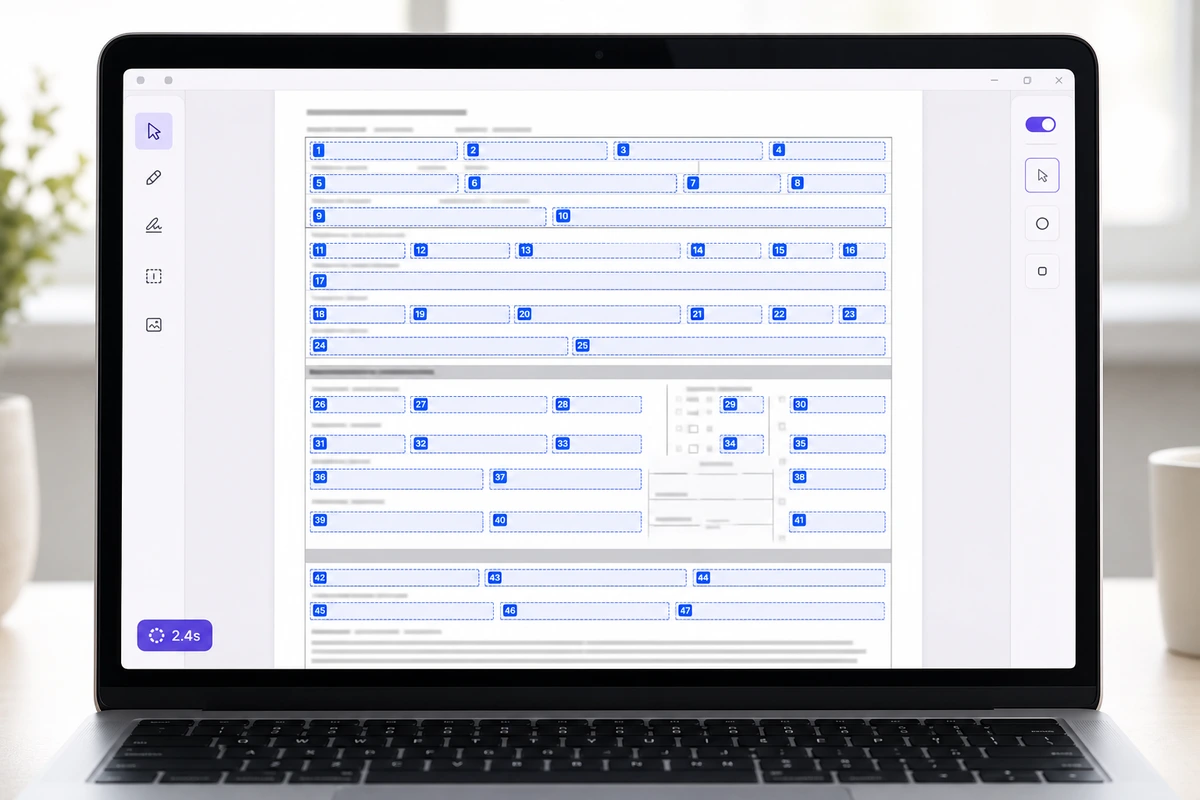
Full disclosure: this is our product, and it is not the widest suite here — PDF24 has more tools and a longer track record. What it is built around is the specific job of filling and signing a PDF form: an AI extraction pipeline (AWS Textract plus a Gemini model) detects the fields for you, including printed boxes on a flattened scan that are not real AcroForm widgets and that a classic editor leaves you to draw by hand. Use is uncapped and needs no credit card (no signup to fill — only to download), documents are stored in Frankfurt; free exports carry a small watermark you can remove with a one-off payment.
| Spec | Value |
|---|---|
| Free tier | Uncapped, all features |
| Watermark | On free exports (removable with a paid plan) |
| Signup | Not required to fill (only to download) |
| Hosting | Frankfurt, Germany (GDPR) |
| Platforms | Web (responsive on mobile), iOS app |
Pros
- AI form-field detection that also works on flattened scans, free for everyone
- No task cap, no credit card, documents stored in Frankfurt
- Sign in the same tab, with a send record: timestamp, optional access code, SHA-256 fingerprint of the file sent
Cons
- Free exports carry a small watermark (removed with a paid plan)
- Web plus an iOS app; no desktop build
- Simple electronic signature only — no certificate authority, so no AES or QES
Price: free and uncapped, with a discreet watermark on exports; a one-off payment removes it. Try it at ifillpdf.com.
Sejda PDF Editor — no-signup browser edits, within a daily allowance
Sejda is the answer when you need to edit a PDF in two minutes, on someone else's laptop, without installing anything or making an account. The free tier allows 3 tasks per day, files up to 200 pages or 50 MB, with no watermark on output. Files auto-delete from servers after 5 hours. Desktop versions exist for Mac, Windows and Linux (also free with the same daily limit).
| Spec | Value |
|---|---|
| Free tier | 3 tasks/day, ≤200 pages, ≤50 MB |
| Watermark | None |
| Signup | Not required |
| Hosting | EU + US |
| Platforms | Web, macOS, Windows, Linux |
Pros
- Genuinely no-signup, no-watermark, cross-platform desktop apps
- Native Linux build (rare in this category)
- Files auto-purged after 5 hours
Cons
- 3-task-per-day cap is restrictive for actual workflows
- AI features absent (no auto-fill, no smart OCR cleanup)
Price: free with daily limits, then a paid Web Pro plan — note that Sejda bills it weekly as well as annually, which is easy to miss at checkout.
PDFgear — native apps on every platform, no cap
PDFgear is a regular recommendation on r/software and r/macapps. Native apps for Windows, macOS, iOS and Android, an in-app AI chatbot, OCR, signing, form filling, all genuinely free with no daily limit and no watermark. The catch: PDFgear is owned by Hong Kong-based Aiseesoft Studio, which is fine for personal use but a harder sell under a strict data-residency clause.
| Spec | Value |
|---|---|
| Free tier | Unlimited, all features |
| Watermark | None |
| Signup | Not required |
| Hosting | Local (offline) + cloud (HK/US) |
| Platforms | Win, macOS, iOS, Android |
Pros
- True cross-platform native apps, including a native macOS build
- Unlimited use, no watermark, AI chatbot included
- Works fully offline on desktop
Cons
- Owned by Hong Kong vendor — EU GDPR alignment less clear in policy
- Cloud features rely on US/HK servers
Price: free across all platforms.
Smallpdf — polished, Swiss-hosted, two tasks a day
Smallpdf is the polished Swiss-made (Zurich) tool that everyone has used at least once. The free tier lets you do 2 tasks per day — that's the real cap, even though their landing page barely mentions it. No watermark, no email required for the first task, but a signup wall appears the moment you try a third action in 24 hours. Output keeps fonts and layout intact on the documents most people bring it.
| Spec | Value |
|---|---|
| Free tier | 2 tasks/day |
| Watermark | None |
| Signup | Required after task 2 |
| Hosting | Zurich, Switzerland |
| Platforms | Web, Win, macOS, iOS, Android |
Pros
- Polished interface, and output that keeps the original layout
- Swiss data residency (FADP compliant, similar guarantees to GDPR)
- A broad tool suite in one place
Cons
- 2-tasks/day cap is the strictest of any major free editor
- Upsell prompts after every action
Price: free with a hard daily cap, then a paid Pro plan.
ILovePDF — batch and merge, unlimited tasks within size caps
ILovePDF is the volume player. Free tier permits unlimited tasks but caps file size at 100 MB and merge count at 25 files at a time. No watermark on free output. The standout is batch processing: drag 25 files in, click merge, get one PDF in seconds. Spanish-headquartered (Barcelona), EU-aligned. The dedicated edit-PDF tool is the exception in an otherwise solid suite — text editing does not re-match the original font.
| Spec | Value |
|---|---|
| Free tier | Unlimited tasks, ≤100 MB, ≤25 files |
| Watermark | None |
| Signup | Optional (full features need it) |
| Hosting | Barcelona, Spain (EU) |
| Platforms | Web, Win, macOS, iOS, Android |
Pros
- Batch processing on the free tier (merge, compress, convert 25 files at a time)
- EU hosting, GDPR-aligned
- Mobile apps work well
Cons
- Edit-text does not re-match non-system typefaces
- No AI features beyond basic OCR
Price: free with caps, then a Premium plan for unlimited file size.
PDFescape — in-browser form filling for small files
PDFescape predates most of this list — launched 2007. The free web version edits PDFs up to 100 pages or 10 MB, with no watermark, no signup needed for basic edits. Its niche today: filling existing AcroForm PDFs in-browser without installing anything. The desktop version is paid-only.
| Spec | Value |
|---|---|
| Free tier | Web only, ≤100 pages, ≤10 MB |
| Watermark | None on free output |
| Signup | Optional for basic edits |
| Hosting | US (CDNetworks) |
| Platforms | Web only (free tier) |
Pros
- Direct path to filling an existing PDF form in-browser, no install
- On the market since 2007
- No watermark even on the free tier
Cons
- 10 MB / 100 pages caps are tight by 2026 standards
- Desktop version is paid only — no free desktop app
Price: free in the browser, with paid Premium and Ultimate tiers above it.
Quick comparison table
| Editor | Free tier | Watermark | Signup | AI features | EU hosting | Platforms |
|---|---|---|---|---|---|---|
| PDF24 | Unlimited | No | No | Basic OCR | Yes (DE) | Win, Web |
| iFillPDF | Unlimited | On free export (removable) | Only to download | Field detection (AI) | Yes (DE) | Web, iOS |
| Sejda | 3 tasks/day | No | No | No | Partial (EU+US) | Web, Win, Mac, Linux |
| PDFgear | Unlimited | No | No | AI chatbot | No (HK/US) | Win, Mac, iOS, Android |
| Smallpdf | 2 tasks/day | No | After task 2 | Basic OCR | Yes (CH) | Web, Win, Mac, Mobile |
| ILovePDF | Unlimited (≤100 MB) | No | Optional | Basic OCR | Yes (ES) | Web, Win, Mac, Mobile |
| PDFescape | ≤100 pages, ≤10 MB | No | Optional | No | No (US) | Web only (free) |
The three documents that separate them
If you want to compare them yourself rather than trust anyone's list, three documents are enough to expose almost every difference:
- A multi-page contract with embedded fonts and a signature page. Shows whether an edit keeps the typeface or drops a mismatched box on top of the page.
- A fillable form — a W-9, a Cerfa, an HMRC form — tried twice: once as a real AcroForm, once as a flattened scan of the same document. This is where field detection either exists or doesn't.
- A paper scan at print resolution. Shows whether OCR is on the free tier, and what survives an export.
Run the same three files through any two candidates and the marketing language stops mattering.
Which one should you actually pick?
- You're on Windows and want one app that does everything for free → PDF24.
- You need to fill a tax form, contract or government PDF and want it done in seconds → iFillPDF (it's the only one that auto-detects fields on flattened scans).
- You're at a client's office, can't install anything, need to edit a PDF right now → Sejda (no signup, browser-based, 3 free tasks/day is enough for most quick jobs).
- You're on Mac and want a polished native desktop app at no cost → PDFgear.
- You merge or compress 20 files a week → ILovePDF for batch.
- You only edit a PDF once a month and want polished output → Smallpdf (the 2-tasks/day cap won't bother you).
- You need to fill a form on a public computer with no install → PDFescape.
The shape of the money, without quoting figures that will be stale by the time you read them: PDF24, PDFgear and ILovePDF cost nothing at all for most people. iFillPDF costs nothing and never meters you, as long as you accept a watermark on exports; removing it is a one-off payment. Sejda and Smallpdf are free up to their daily cap and subscription-priced beyond it, as is PDFescape's desktop build. Check each vendor's pricing page before you commit — this category re-prices constantly.
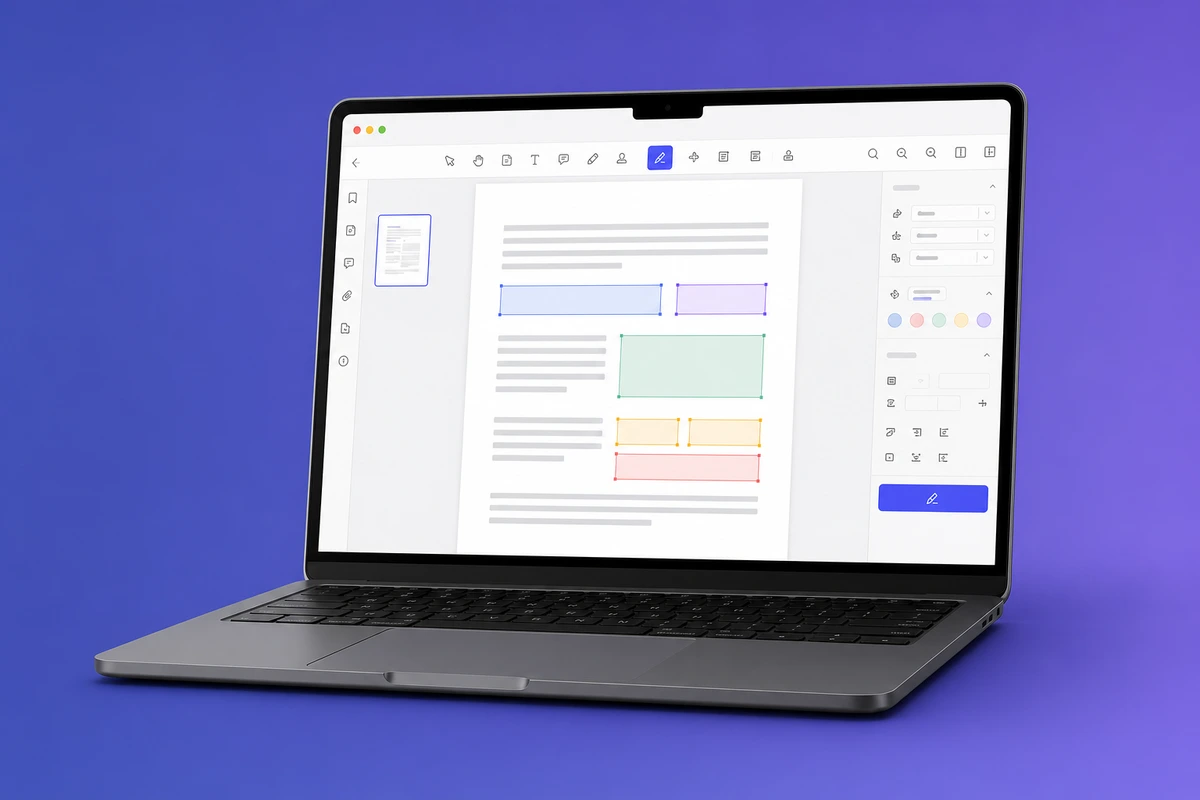
If your main job is filling forms, give the iFillPDF free PDF filler a quick try — drop a file, watch the AI detect the fields; no signup to fill, an account only when you download. We also have a free signature tool and a free merge PDF tool for the other most-common workflows.
FAQ
Is Adobe Acrobat Reader free for editing?
No. Adobe Acrobat Reader (the free download) only lets you view, comment, fill basic AcroForm fields and sign. To edit text or images, you need a paid Acrobat Standard or Acrobat Pro plan. The "free online PDF editor" page on adobe.com lets you do one edit per session before pushing you to sign in. So the free Adobe tier is an annotation tool, not an editor.
What's the best free PDF editor for Mac?
PDFgear is the fullest free option on macOS — native app, no signup, no watermark, includes an AI chatbot. Apple's built-in Preview covers basic edits, signing and page reordering without installing anything, since it ships with the OS. For form-filling specifically, iFillPDF works in any browser on Mac with no install.
Can I edit a PDF without uploading it to a server?
Yes. PDF24 desktop (Windows-only), PDFgear desktop (Win/Mac), Sejda desktop (Win/Mac/Linux) and Apple Preview all run fully on your device — your file never leaves your computer. For browser-based options, look for tools that explicitly state client-side processing (we wrote a full guide on merging PDFs without uploading).
Best free PDF editor that doesn't add a watermark?
Six of the seven editors in this guide output PDFs with zero watermark on the free tier — PDF24, PDFgear, Sejda, Smallpdf, ILovePDF and PDFescape. iFillPDF is the exception, and says so: its free exports from the editor carry a small, discreet watermark that a one-off payment removes (everything else — uncapped use, AI field detection, no signup to fill — stays free), while its browser-side utilities export clean files. The watermark trap to avoid is the second-tier "online PDF editor" sites that bury an unremovable mark deep in their FAQ. Adobe Acrobat's free online editor doesn't watermark either, but it caps you at one edit before login.
Best free PDF editor for iPhone?
PDFgear iOS covers the most ground for free in a native app — text editing, OCR, signing, form filling. Apple Files + Markup (built into iOS) handles annotations, signatures and page reordering without any install. iFillPDF has an iOS app and also runs in mobile Safari for AI-powered form filling.
Is there really any genuinely free PDF editor with no catch?
Close to it. PDF24's catch is two ads in the desktop installer and a dated interface — that is all. PDFgear asks nothing either, with the caveat of Hong Kong ownership if you have data-residency requirements. Everything else in this list has a catch (daily cap, file-size limit, signup wall, watermark, or platform restriction) — all of them documented, once you know which page to read.
Free-tier terms and prices in this category change frequently — every cap above should be re-checked on the vendor's own page before you rely on it. We did not accept payment, sponsorship or affiliate commissions from any product mentioned. iFillPDF is included for transparency, and its catch (a watermark on free editor exports, an account needed to download) is stated in the same terms as everyone else's.