Fill PDF online
Fill and sign PDF forms or scans online. Free exports include a watermark and require an account. AI Deep Detect uses credits purchased separately.
How it works
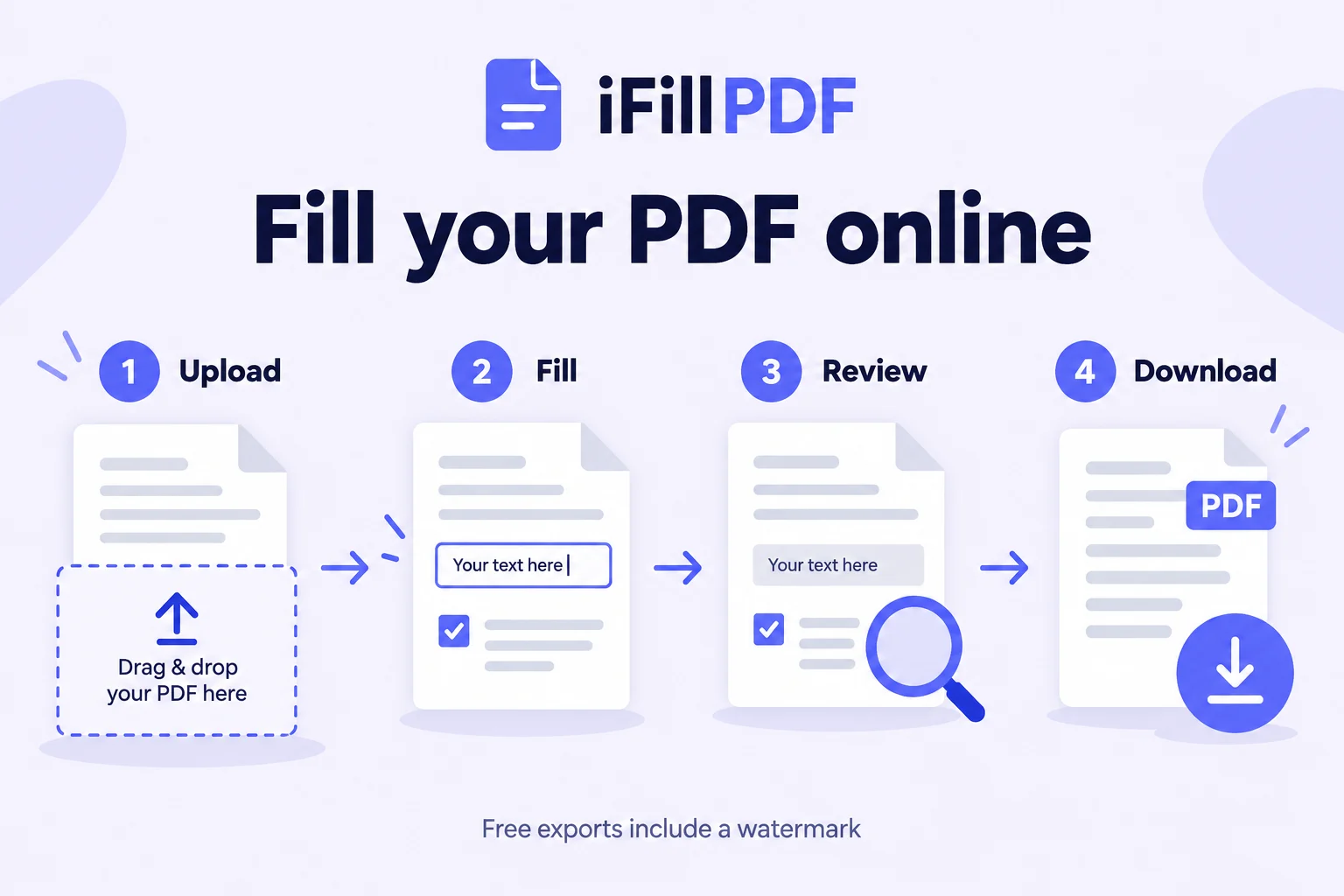
Upload your form
Choose your PDF. Check that every page is present and readable. For a scan, straighten the page and keep the edges of the form in view.
Enter your answers
Place text, dates and checkboxes where needed. If you use AI Deep Detect, review the proposed fields and values and correct any mistakes.
Add a signature if needed
Place your signature in the space provided. Check the recipient’s instructions: a drawn signature does not supply a digital signing certificate.
Export and check the PDF
Choose flattened or fillable export, then download with your free account. Reopen the file and check every page. Free exports include a watermark.
Why choose iFillPDF
Fill a form or a scanned page
Add answers to an existing form or place text over a scan. If you need to search or copy the printed text in a scan, use OCR as a separate step.
Recognise text in a scanned PDFChoose a flattened or fillable PDF
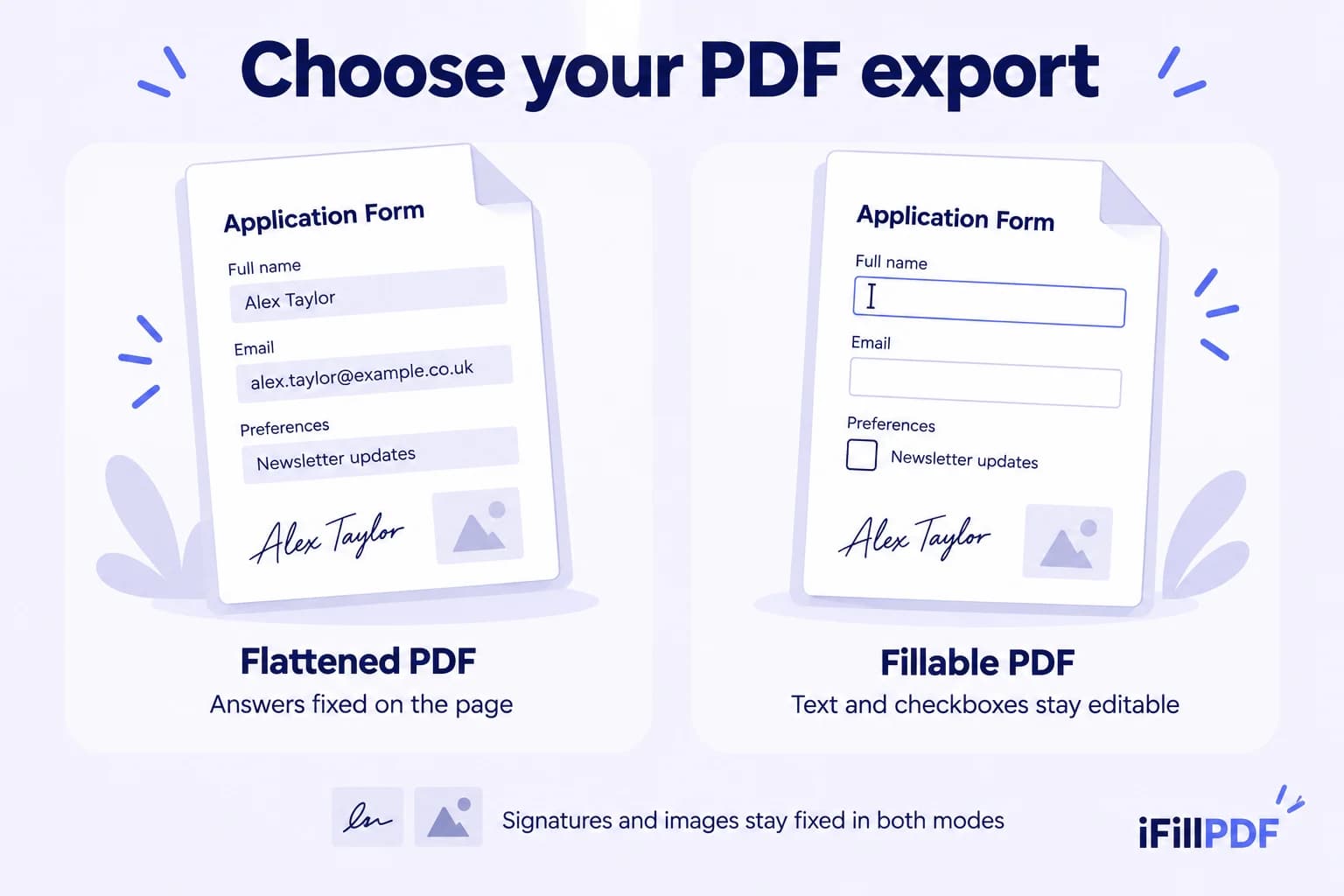
Flattened export fixes your answers on the page. Fillable export keeps text, dates and checkboxes editable. Signatures, initials, images and erased areas stay fixed in both modes.
Use AI assistance when you need it
AI Deep Detect can propose fields and pre-fill information. Check names, dates, amounts and ticked boxes before accepting the result. You can also place and complete fields manually.
Know what the free export includes
Manual filling and signing are free with a watermark. The current Lifetime offer removes the watermark; AI Deep Detect credits are sold separately.
See the current web offer and AI creditsCheck the file before sending
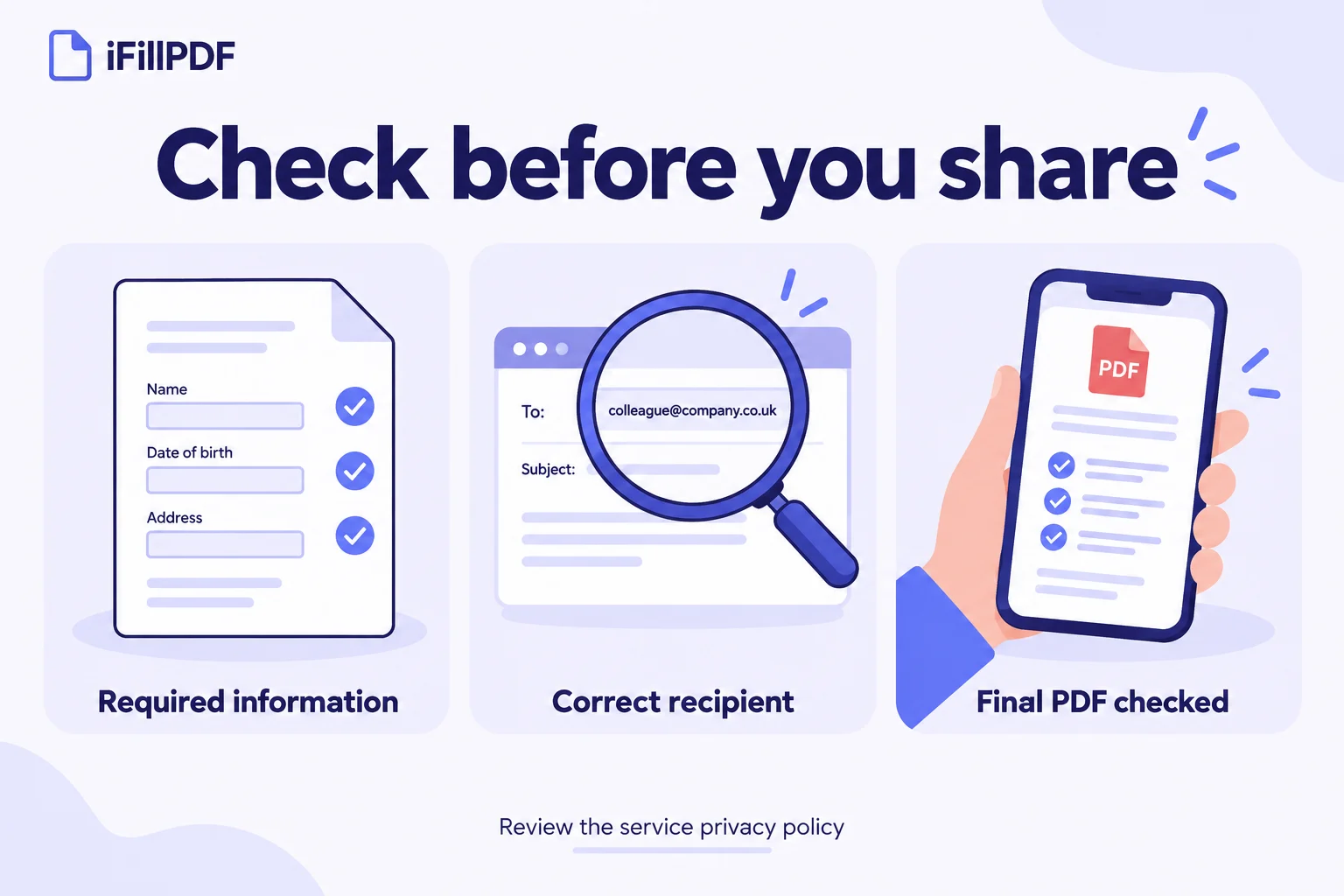
Reopen the downloaded PDF and review its pages, answers and signature. Confirm the recipient and include only the information requested on the form.
Read how iFillPDF handles your dataFilling and download options
Upload your form, add the requested information and download the completed PDF. You can type over a scanned page or work with a form that already has fields. Manual filling and signing are free with a watermark on export. AI Deep Detect provides advanced recognition and smart pre-filling through separately purchased credits. A free account is required to download.
Filling and export illustrated
Go further with lifetime access
On the web, fill, edit and sign PDFs for free with no document limit and a watermark on exports. The currently available Lifetime offer removes that watermark for $8.99 as a one-time payment, with no subscription. AI Deep Detect credits for advanced recognition and smart pre-filling are purchased separately and never expire: 1 credit = 1 analyzed document. A free account is required to download from the editor.
Frequently asked questions
Can I fill out a PDF online for free?+
Yes. Manual filling and signing are free, with no document limit and a watermark on exports. A free account is required to download from the editor. AI Deep Detect is optional and uses separately purchased credits. Check the current offer above if you need an export without the watermark.
Can I fill a scanned PDF that has no clickable fields?+
Yes. Place text, dates or checkboxes over the areas you need to complete. AI Deep Detect can help identify fields and prepare answers, but you should review its suggestions. A blurred, tilted or cropped scan may need to be scanned again before you can complete it accurately.
Can I export a fillable PDF for someone else to complete?+
Yes. Choose fillable export to create interactive text and checkbox fields. Date fields are exported as text fields. Signatures, initials, images and erased areas are drawn onto the page and remain fixed. Before distributing the form, open the exported file in the PDF reader your recipients use and check that the fields work as intended.
Which interactive field types does the export support?+
Fillable export creates text fields and checkboxes. It does not create dropdown menus, radio-button groups, listboxes or certificate-based digital-signature fields, and it does not preserve JavaScript calculations or validation scripts. If your original form relies on those features, check the exported copy carefully or use the software recommended by its creator.
Do I need OCR to type answers onto a scan?+
You can place your answers over a scanned page without making its original text searchable. OCR recognises text in the image so it can be searched or copied. Creating interactive fields is another operation. Choose the step that matches your task: complete this copy, recognise its printed text or prepare a reusable form.
Does Lifetime include AI Deep Detect credits?+
On the web, fill, edit and sign PDFs for free with no document limit and a watermark on exports. The currently available Lifetime offer removes that watermark for $8.99 as a one-time payment, with no subscription. AI Deep Detect credits for advanced recognition and smart pre-filling are purchased separately and never expire: 1 credit = 1 analyzed document. A free account is required to download from the editor.
Why can’t I fill in my PDF form?+
The PDF may be a scan without interactive fields, or its security settings may restrict changes. Check the document properties. If form filling is restricted, ask the creator for a version you are allowed to complete. Keep the original file so you can return to it if an export changes the form’s behaviour.
Can I complete a PDF on my phone?+
You can use the web editor from your phone’s browser. Save your document as a PDF first, then upload it and zoom in to check the fields. After downloading, reopen the saved file to confirm that the text, checkboxes and signature are readable. Send that checked copy to the recipient.
Guides to filling PDF forms
More PDF tools
Keep going with a related tool — try without signing up, free account to download.