TL;DR — OCR (optical character recognition) turns image-based or scanned PDFs into searchable, copyable, screen-reader-friendly documents. You have five free routes in 2026: browser-based tools (iFillPDF, PDF24, Smallpdf), Adobe Acrobat's free online OCR, the open-source Tesseract CLI, macOS Preview, and Google Drive. For most people, iFillPDF's OCR is the simplest free route: a free account, EU-hosted processing, 80+ languages, and a small footer watermark on free exports.
What OCR does and why you need it
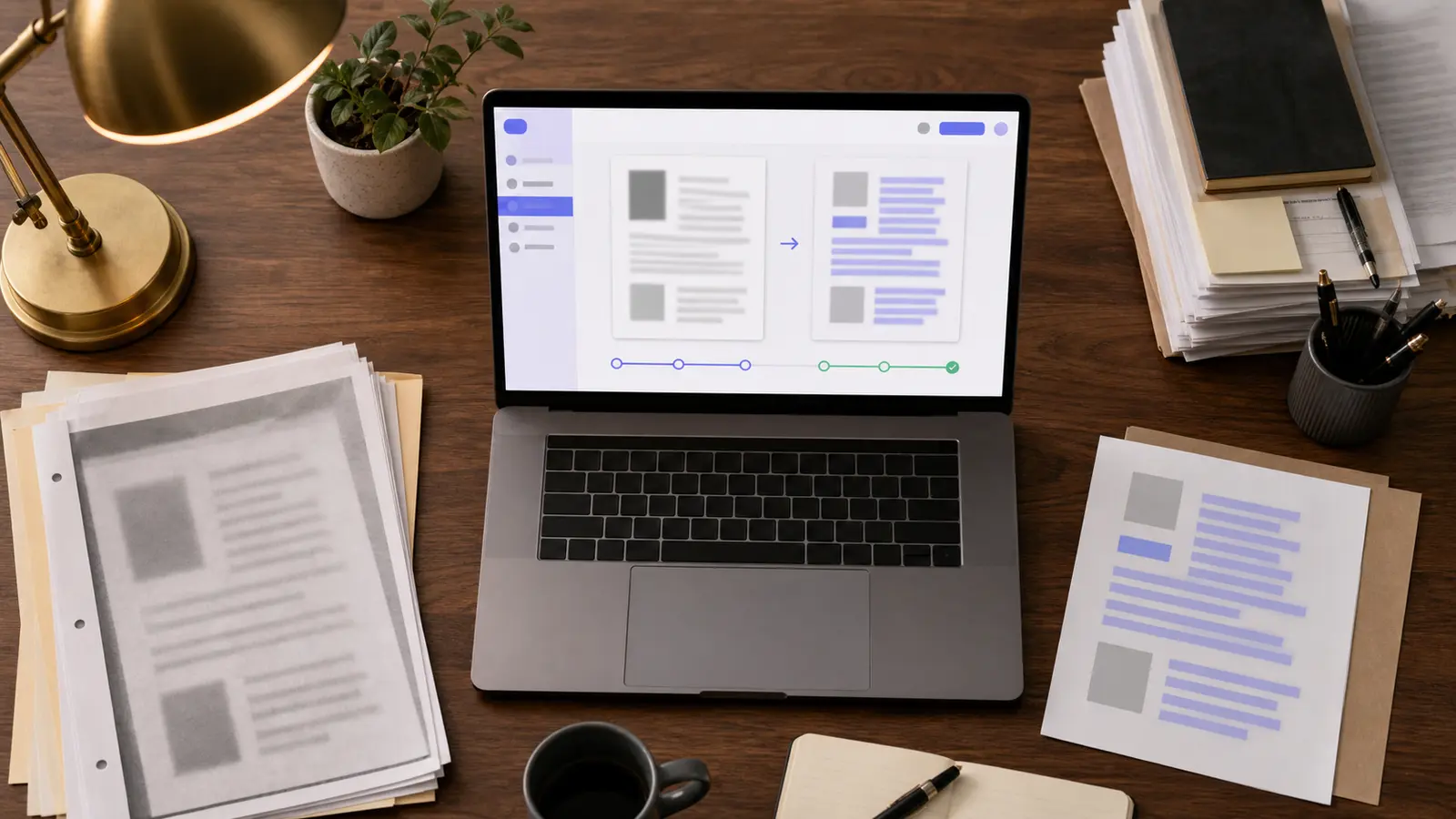
OCR (optical character recognition) reads pixels in a scanned page or photo and extracts the underlying characters as machine-readable text. Without OCR, a scanned PDF is just a stack of images: you can't search inside it, copy a phone number, or have a screen reader announce it. After OCR, the same file gains a hidden text layer aligned with the visuals, so Ctrl+F works, copy-paste works, and assistive tech can navigate it.
Beyond convenience, OCR is now an accessibility requirement. WCAG 2.2 (the W3C standard adopted by the European Accessibility Act enforceable June 28, 2025) classifies image-only PDFs as failing Success Criterion 1.4.5 "Images of Text". Public-sector and large private-sector documents distributed in the EU must therefore ship with a real text layer. OCR is the cheapest path to compliance for legacy archives, scanned contracts, invoices, and historical records.
Method 1 — Online OCR tools (iFillPDF, Smallpdf, OnlineOCR.net, NewOCR)
Browser tools are the fastest route: drop a PDF, download a searchable copy. The catch is privacy and limits — recognition runs on a server, so where that server sits matters. iFillPDF processes in the EU (Frankfurt) and never uses your documents to train models.
| Tool | Free tier | Signup | Languages | Max file size | Batch / EU hosting |
|---|---|---|---|---|---|
| iFillPDF | Unlimited (watermark on free export) | Free account | 80+ | No published cap | Yes / Frankfurt |
| Smallpdf | 2 docs/day | Optional | 20+ | 5 GB (Pro) | No / Switzerland |
| PDF24 | Unlimited | No | 30+ | 100 MB | Yes / Germany |
| OnlineOCR.net | 15 pages/hr | Optional | 46 | 15 MB | No / US |
| NewOCR | Unlimited | No | 122 | 200 MB | No / EU |
| OCR.space | 25k requests/mo (API) | For API key | 20+ | 5 MB (free tier) | Yes / EU + US |
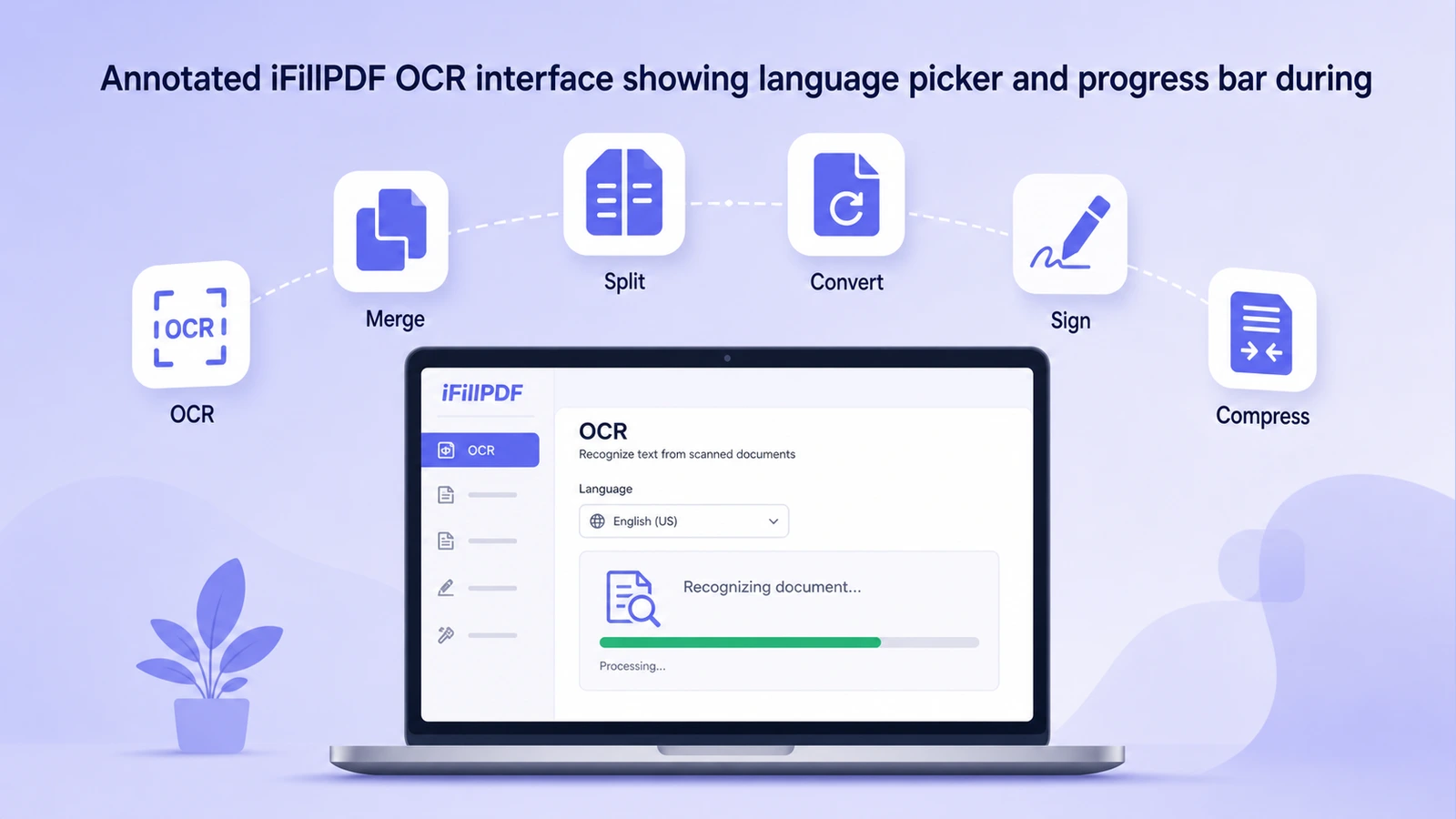
For sensitive documents — payslips, medical records, contracts — pick a tool that processes locally or hosts in the EU. iFillPDF keeps the whole pipeline on EU servers in Frankfurt, and never uses your documents to train models.
Method 2 — Adobe Acrobat Pro OCR
Adobe's desktop Acrobat Pro is the most established option for OCR on complex layouts (multi-column journals, forms, mixed scripts). It is a paid subscription, so not free in the long run, but Adobe ships a free trial and a free online OCR page limited to a single PDF per day without an account.
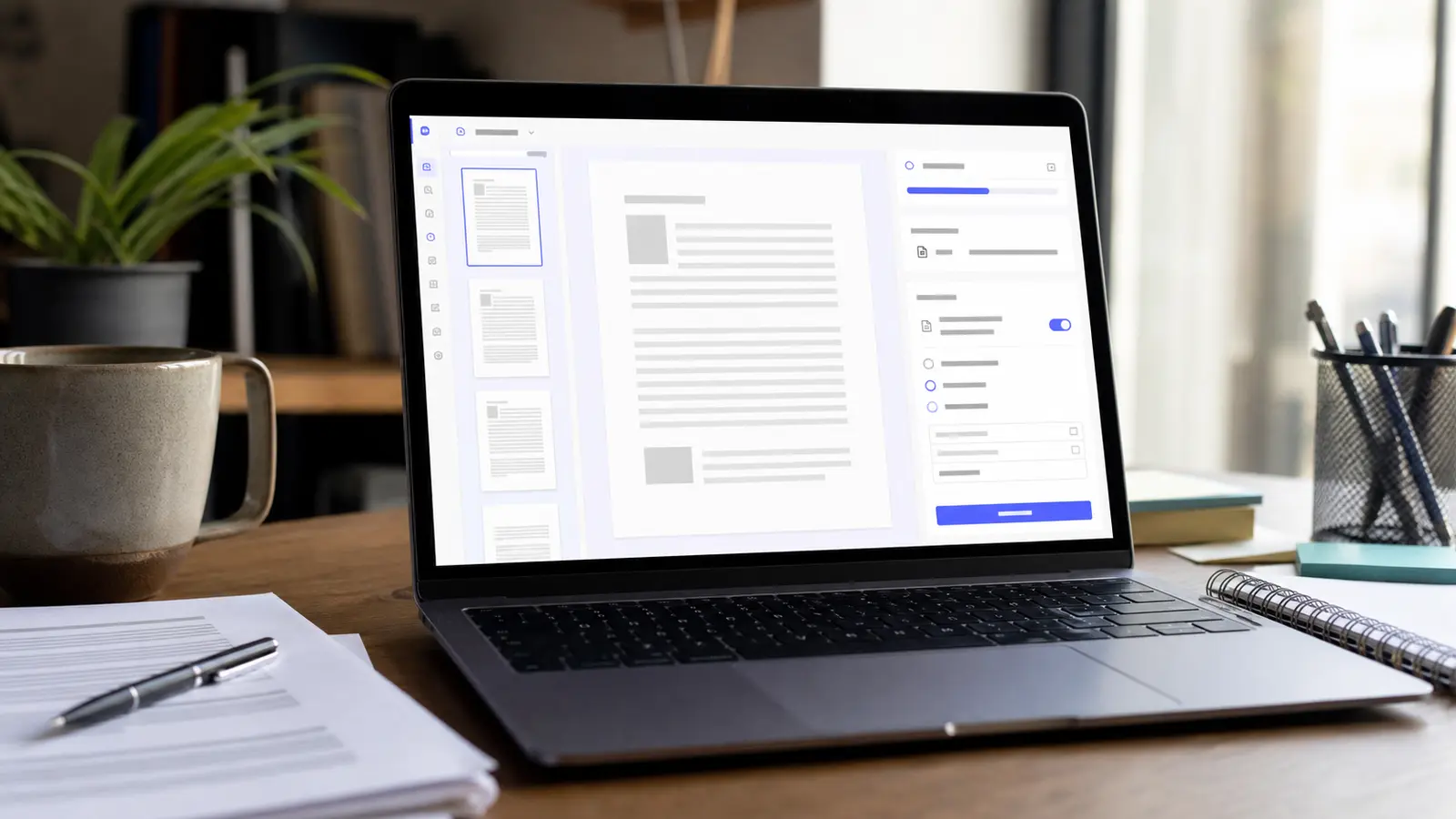
Acrobat's OCR shines on degraded scans (faxes, microfilm, old books) thanks to its proprietary deskew and despeckle pipeline. It also preserves the original page image and adds the text layer underneath — Adobe calls this "Searchable Image" mode — so the visual fidelity stays intact. Use Acrobat when you need defensible, long-term archival quality. For everyday scans, free engines are now close enough that the difference rarely shows.
Method 3 — Tesseract (open-source CLI)
Tesseract is the OCR engine maintained by Google and the open-source community. It's free, scriptable, and currently powers a large fraction of "free OCR" web tools you'll find online. Install it on macOS with brew install tesseract tesseract-lang, on Ubuntu with sudo apt install tesseract-ocr tesseract-ocr-all, on Windows via the UB Mannheim installer.
The exact command to OCR a PDF and get a searchable PDF out is:
tesseract input.pdf output -l eng pdf
Swap eng for fra+eng+spa to recognize multi-language documents. Tesseract reads images natively but not PDFs directly, so wrap it with ocrmypdf input.pdf output.pdf -l eng (a Python tool built on Tesseract) for proper PDF-in/PDF-out handling, automatic deskew, and metadata preservation.
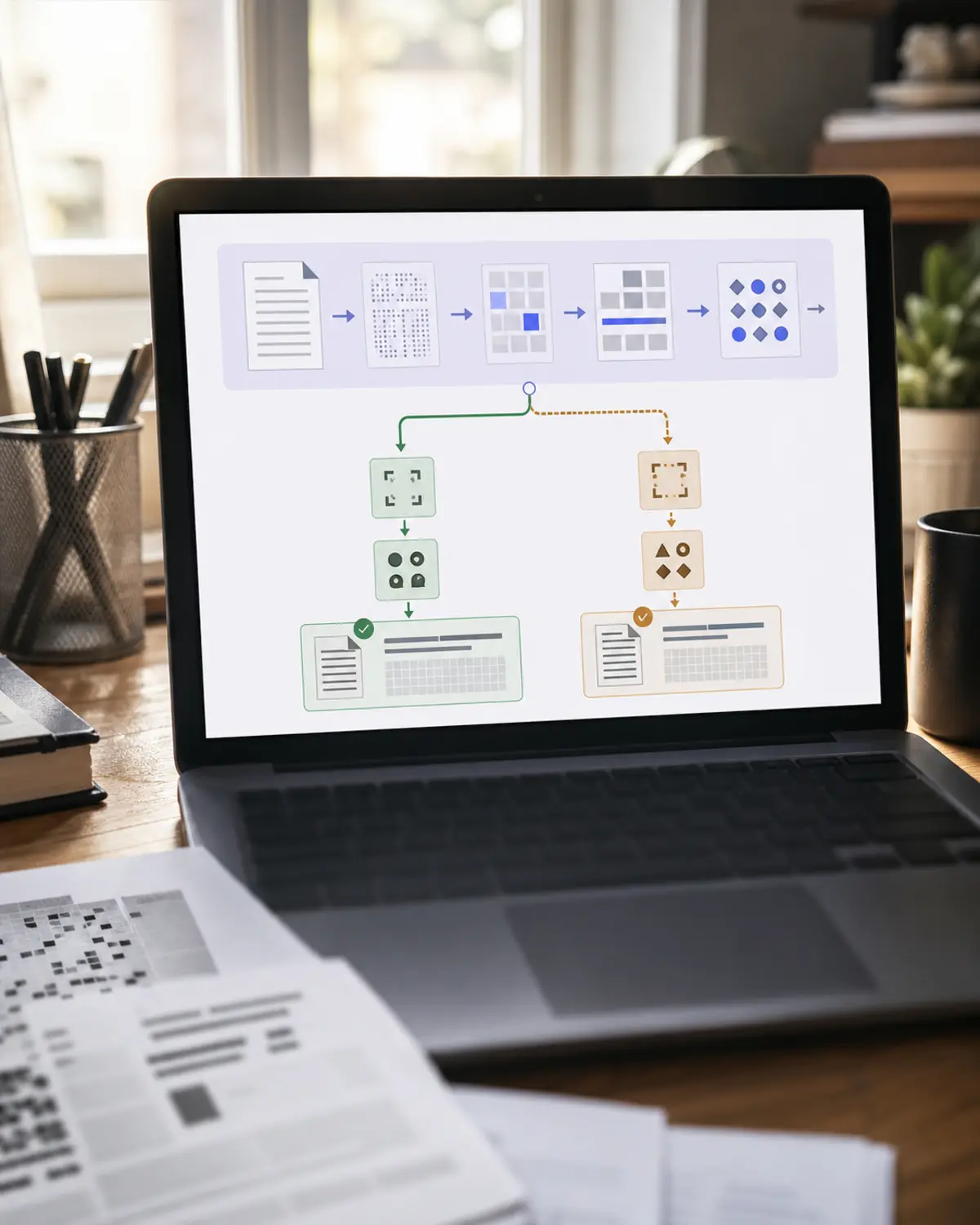
Tesseract is the right pick when you need to process hundreds of files in a script, when your data must never touch a third-party server, or when you want to integrate OCR into a custom workflow alongside PDF compression or merging.
Method 4 — macOS Preview (limited)
Recent macOS releases let Apple's built-in Preview app select text on scanned PDFs through Live Text. Open a scanned PDF, hover the cursor over a paragraph, and you can highlight, copy, and translate the text. Preview does not, however, save a permanent text layer back into the PDF — Live Text is a runtime feature, not a real OCR pass.
That covers one-off lookups (grab a phone number from a scanned business card), but not archiving or sharing searchable PDFs with non-Apple users. If you need a portable searchable file, run the result through iFillPDF or Tesseract instead.
Method 5 — Google Drive OCR
Upload a PDF to Google Drive, right-click, choose "Open with > Google Docs". Drive runs OCR in the background and creates a Google Doc with the extracted text plus the original images. It covers a very wide range of languages and handles handwritten text reasonably well, cursive scripts included.
The downside: layout is destroyed. Google Docs flattens columns, tables, and form fields into a linear text stream. Use Drive OCR when you need the raw text content (for translation, search, or copy-paste into another document) and don't care about visual fidelity. For preserved layout, use a dedicated PDF OCR tool instead.
FAQ
How do I OCR a PDF without Adobe? Use any free browser-based tool — iFillPDF, PDF24, Smallpdf, or NewOCR. All four convert scanned PDFs to searchable text without an Adobe subscription. iFillPDF asks for a free account and processes on EU servers, with a small footer watermark on free exports.
What's the best free OCR for scanned documents? It depends on the constraint. For EU-hosted processing with no per-day cap, iFillPDF. For complex layouts (legal contracts, scientific papers), Adobe Acrobat Pro's free trial. For batch automation on your own machine, Tesseract via OCRmyPDF.
Can free OCR handle multiple languages? Yes. iFillPDF supports 80+ languages including non-Latin scripts (Arabic, Chinese, Hebrew, Japanese, Korean, Russian, Thai). Pass a list of languages — it auto-detects the dominant one per page. Tesseract requires you to specify them with -l fra+eng+ara.
Is free OCR accuracy as good as paid tools? For clean, modern scans (300 DPI or higher, standard fonts), free engines are accurate enough that you rarely see the difference with a paid one. The gap widens on noisy scans, exotic fonts, or handwritten content, where commercial engines like Adobe Acrobat and ABBYY FineReader still hold an edge.
How do I OCR a PDF on iPhone? Use the Files app: long-press a scanned PDF, choose "Live Text" to extract text inline. For a permanent searchable PDF, open iFillPDF in Safari — it runs in the mobile browser and produces a downloadable searchable PDF without any app install.
Try it now — OCR your first PDF in seconds
Stop fighting unsearchable scans. Whether it's a stack of receipts, a legal contract, or a 200-page archive, the right free OCR tool turns it into a searchable, accessible, WCAG-compliant document.
Open iFillPDF's free OCR tool — free account, 80+ languages, EU-hosted, small footer watermark on free exports. Then chain it with Fill PDF, Sign PDF, or Compress PDF to finish the job in the same browser tab.