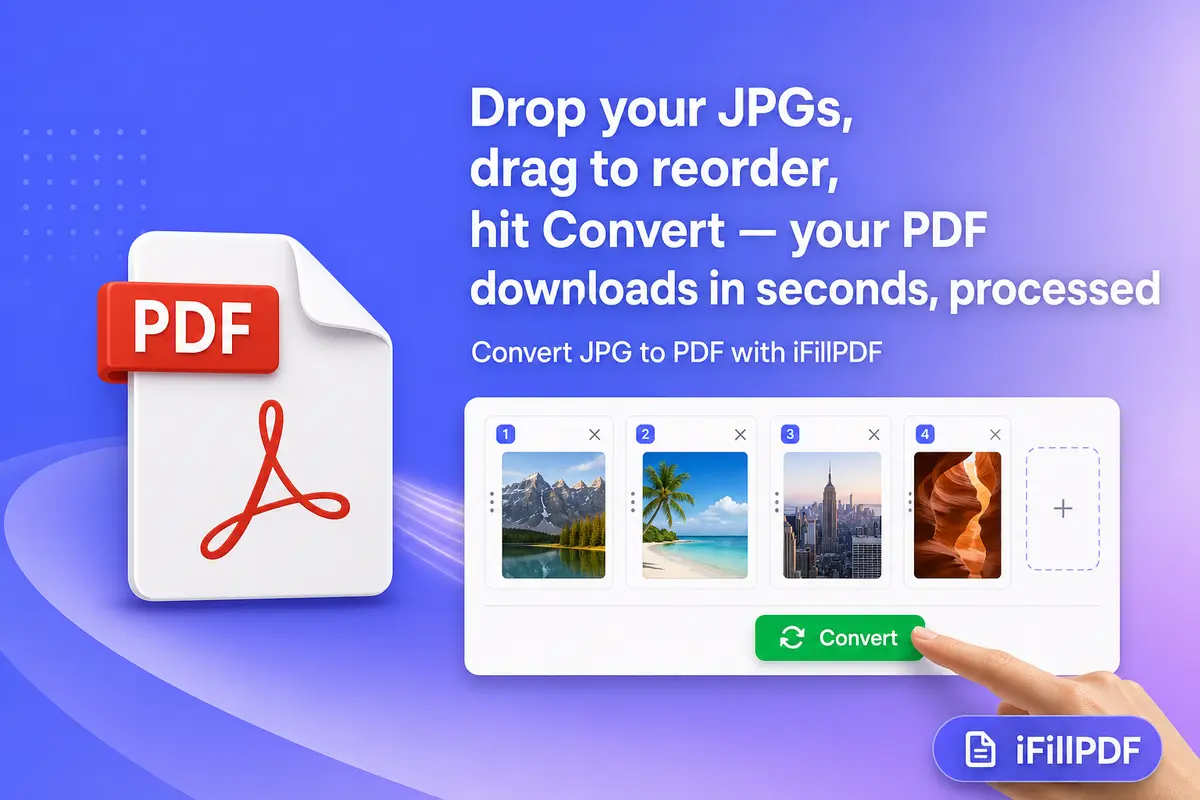
TL;DR — Five reliable methods convert JPG to PDF in 2026: online tools (iFillPDF, Smallpdf, iLovePDF, PDF24, Adobe), Mac Preview, iPhone Files app, Windows Photos, and ImageMagick CLI. For a batch of images use iFillPDF JPG to PDF (reorder before converting, A4 / Letter / fit-to-image); for a single image use Mac Preview or iPhone Files; for power users, ImageMagick magick *.jpg out.pdf is the shortest path. iFillPDF runs client-side with no signup — iLovePDF and Smallpdf ask for an account once you pass their free-tier caps.
Why convert JPG to PDF (signing, sharing, archiving)
You convert JPG to PDF when you need a portable, signable, page-ordered container for one or more images. JPG stores raster pixels; PDF stores pages, vectors, fonts, signatures, and metadata. The most common triggers:
- Sign a scanned document — passports, IDs, contracts photographed with a phone need to land as PDF before signing or filling form fields.
- Submit an application — banks, universities, and government portals reject JPG and accept only PDF, usually with a size cap of a few megabytes.
- Archive a receipt batch — accountants prefer one PDF with 30 receipts over 30 separate JPGs that lose order.
- Share a portfolio — photographers send a single 12-page PDF to clients instead of a zip of JPGs.
- Reduce file size — a PDF with optimized JPGs inside is lighter than the same images stored uncompressed.
If you also need the reverse direction (extract images from a PDF), see our companion guide on the PDF to JPG converter.
Method 1 — Online tools (iFillPDF, Smallpdf, iLovePDF, PDF24, Adobe online)
Direct answer: the fastest path is a browser-based converter. Drop your JPGs, click convert, download. No install, works on Mac, Windows, Linux, ChromeOS, iPad. Differences appear in batch limits, signup walls, file size caps, and where your data is processed.
| Tool | Free | Batch unlimited | No signup | Max file size | EU hosting | Mobile-ready |
|---|---|---|---|---|---|---|
| iFillPDF | Yes | Yes | Yes | 100 MB per image (client-side) | Yes — Frankfurt | Yes |
| Smallpdf | 2/day | No (Pro) | No above 2 files | 5 GB Pro | Switzerland | Yes |
| iLovePDF | Limited | No (Premium) | No above 25 files | 200 MB free | Spain | Yes |
| PDF24 | Yes | Yes | Yes | Browser memory | Germany | Partial |
| Adobe online | 1/day | No (Acrobat Pro) | No above 1 file | 100 MB | USA | Yes |
| Canva | Yes | Limited | No | 25 MB | USA | Yes |
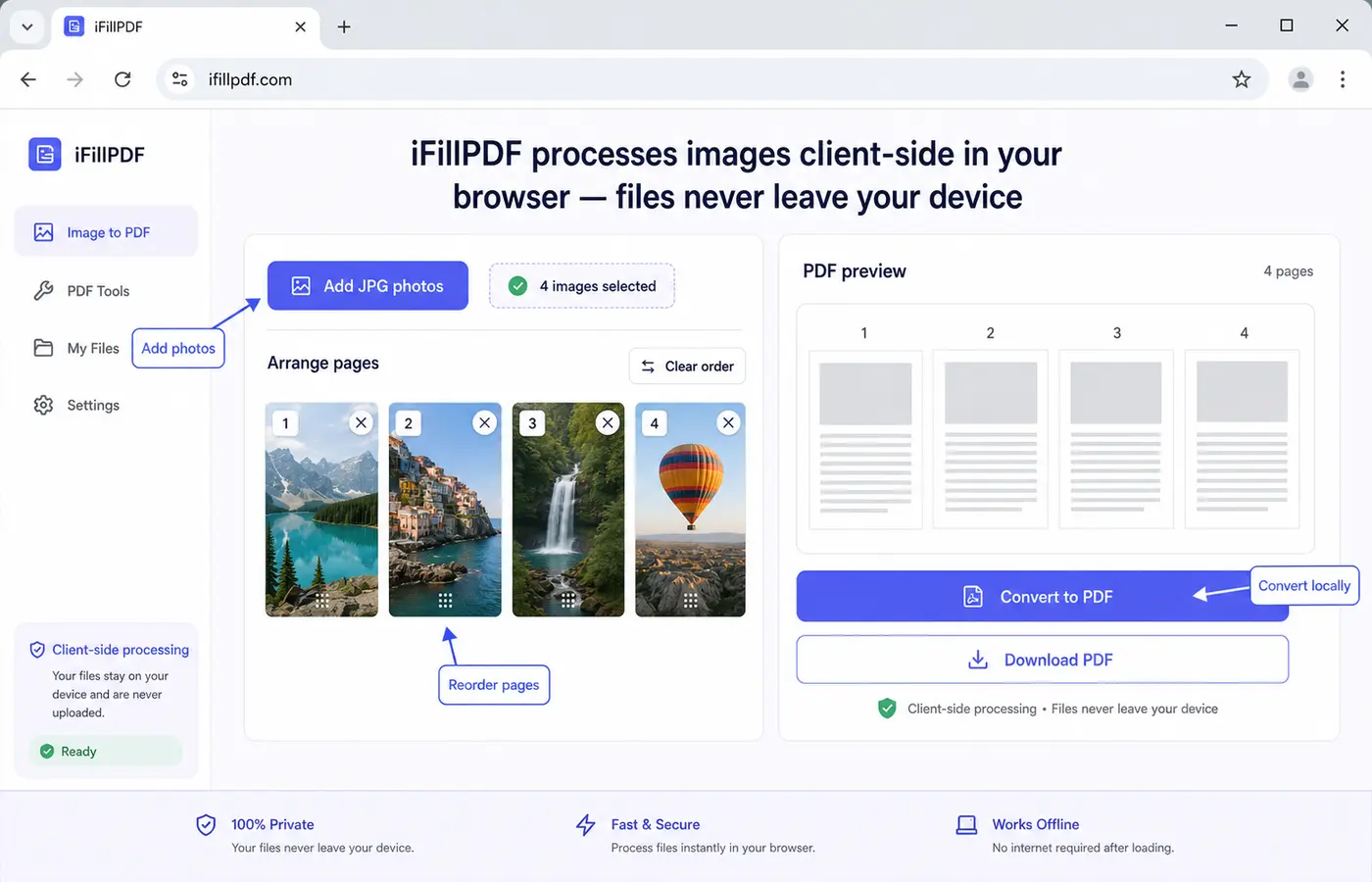
Why iFillPDF fits sensitive batches: the conversion runs client-side in your browser, so the JPGs never reach a remote server — no account, no upload, no watermark. The rest of the iFillPDF workflow is hosted in Frankfurt (EU) under GDPR. You can reorder the images before converting, set page size (A4, Letter, fit-to-image), and the output keeps the original resolution: images are embedded as they are, not re-compressed.
Method 2 — Mac Preview (drag-and-drop)
Direct answer: macOS has a native JPG-to-PDF converter built into Preview. No download required.
- Open the JPGs in Finder, select them all (Cmd-A or Cmd-click).
- Right-click → Open with → Preview.
- In Preview, select all thumbnails in the sidebar (Cmd-A).
- File → Print (Cmd-P).
- Bottom-left dropdown → Save as PDF.
- Name the file → Save.
Works for 1 image or 200. For ordered output, drag thumbnails in the Preview sidebar before printing. Preview also preserves EXIF orientation.
Method 3 — iPhone Files app (built-in iOS)
Direct answer: iOS 16+ converts JPG to PDF natively from the Files app — no third-party app needed.
- Open Files → navigate to the folder with your JPGs (or save them from Photos to Files first).
- Tap Select (top-right) → tap each image you want.
- Tap the three-dot menu (bottom-right).
- Choose Create PDF.
- The PDF appears in the same folder, named after the first image.
To reorder, hold and drag the JPGs in the Files folder before step 2 — Files converts them in display order. To merge into one PDF and keep page order locked, use the iFillPDF merge PDF tool afterwards.
Method 4 — Windows Photos app + Print to PDF
Direct answer: Windows 10 and 11 ship with Microsoft Print to PDF, a virtual printer that turns any image into a PDF.
- Open File Explorer → select your JPGs (Ctrl-A or Ctrl-click).
- Right-click → Print.
- In the Print Pictures dialog, choose printer Microsoft Print to PDF.
- Pick paper size (A4 or Letter), orientation, and layout (one image per page or contact sheet).
- Click Print → choose where to save the
.pdf.
Works offline, no telemetry, free with Windows. Downside: order follows file-name sort — rename files 01_xxx.jpg, 02_xxx.jpg to control sequence. To set the order visually before converting, use the iFillPDF JPG to PDF tool.
Method 5 — ImageMagick CLI (advanced batch)
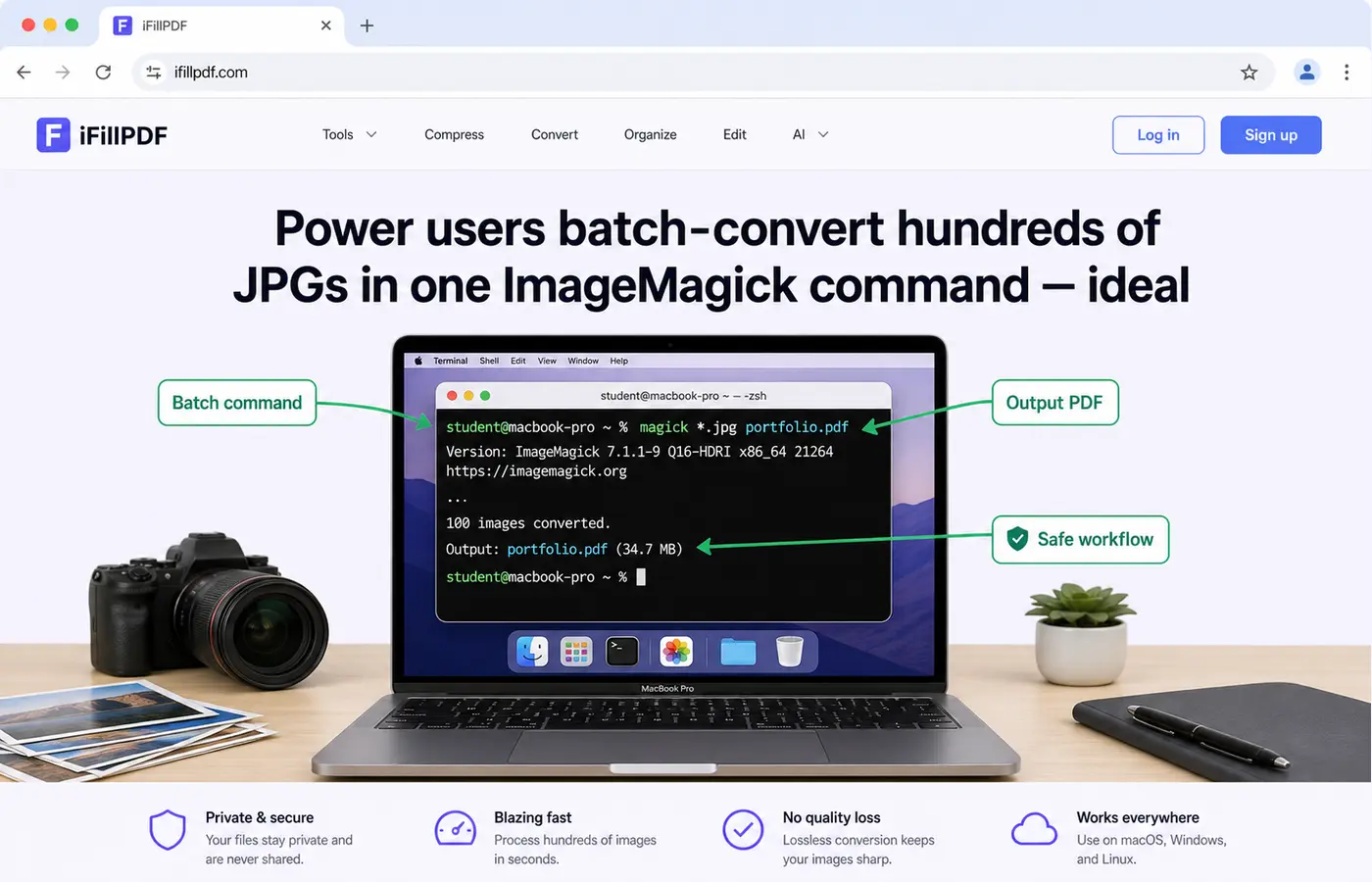
Direct answer: for 100+ images or scripted pipelines, ImageMagick converts a folder of JPGs to one PDF in a single command.
# Install (Mac)
brew install imagemagick

# Convert every JPG in the current folder to one PDF
magick *.jpg output.pdf

# Higher density (300 dpi) and Letter page size
magick -density 300 -page Letter *.jpg portfolio.pdf

# Preserve order with explicit list
magick page01.jpg page02.jpg page03.jpg report.pdf
The magick binary processes hundreds of images in seconds and integrates with cron, Make, or CI/CD. Combine with find and xargs for nested folders. This is the workflow used by photographers, archivists, and journalism students preparing portfolios.
Multiple JPG into one PDF
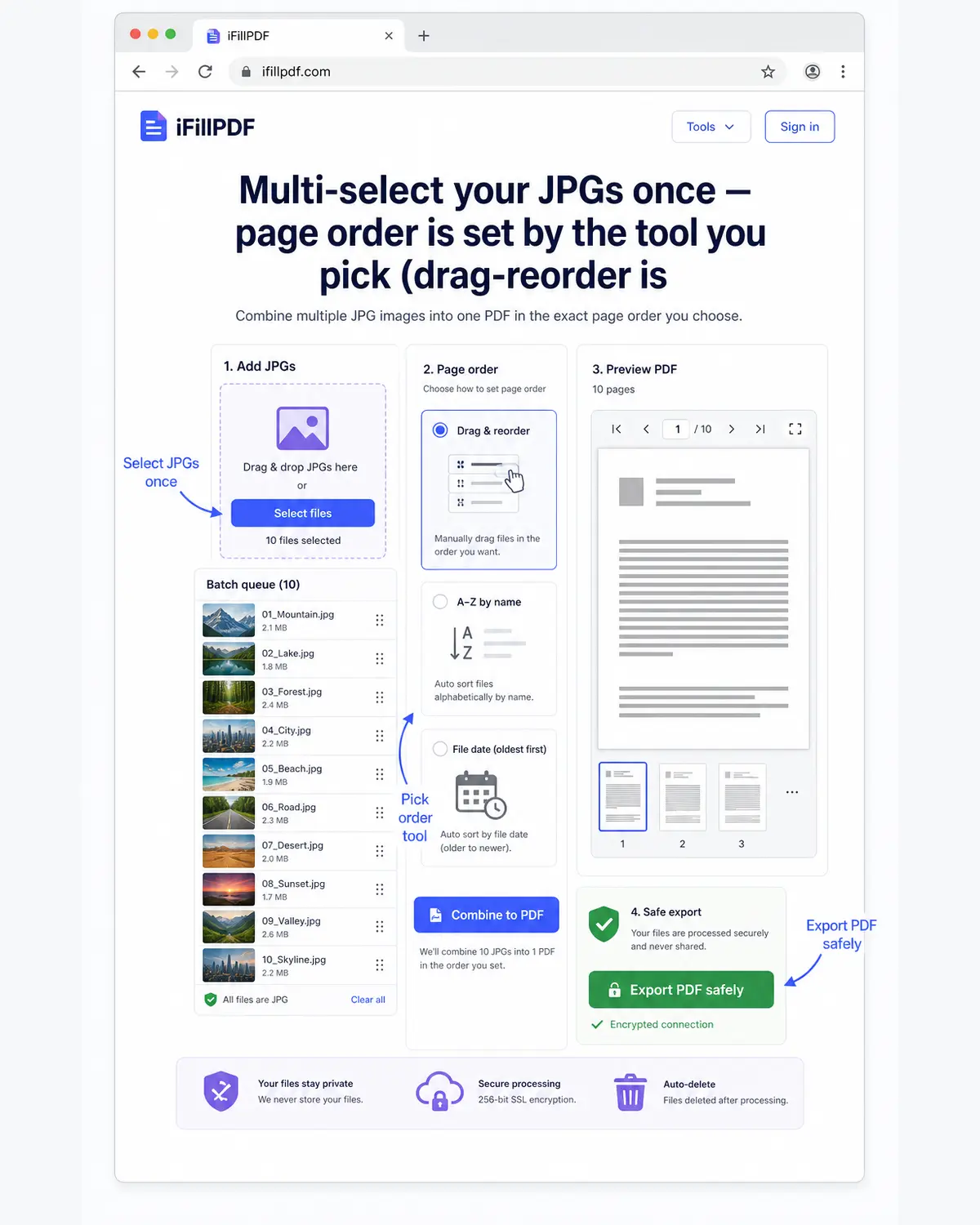
Direct answer: to merge multiple JPGs into a single PDF, select all images at once before triggering the conversion. Every method above supports multi-select; the difference is how you control page order.
| Method | Order control |
|---|---|
| iFillPDF | Reorder the images in the browser before converting |
| Mac Preview | Drag thumbnails in sidebar |
| iPhone Files | Folder display order |
| Windows Photos | File-name alphabetical |
| ImageMagick | Explicit CLI argument list |
If you already have several JPG-derived PDFs and need to combine them, the merge PDF tool joins them in your chosen order without re-encoding.
FAQ
JPG to PDF on iPhone free? Yes. Open Files → Select images → three-dot menu → Create PDF. iOS 16+ does it natively, no app install, no signup, no watermark. The PDF lands in the same folder.
Convert multiple JPG into one PDF?
Select all images first, then trigger the conversion. iFillPDF, Mac Preview, iPhone Files, Windows Photos, and magick *.jpg out.pdf all merge multi-select into one PDF. For drag-reorder before conversion, use iFillPDF JPG to PDF.
JPG to PDF without losing quality?
Use Mac Preview, Windows Print to PDF, or iFillPDF — none of them re-compresses your images on the way in. Some free tiers do downsample server-side, so check the output resolution before sending anything to print. For full control, ImageMagick with -density 300 keeps print-quality 300 dpi.
Best free JPG to PDF batch converter? For unlimited batches with no signup, iFillPDF JPG to PDF and PDF24 are the two no-friction options. iLovePDF and Smallpdf cap at 25 and 2 files respectively before requiring a paid account.
JPG to PDF on Mac without Adobe? Yes — use Preview (built into macOS). Open the JPGs in Preview, select all thumbnails, File → Print → Save as PDF. Zero install, zero subscription, zero data leaving the Mac.
Convert your JPGs to PDF in seconds
Whether it is one passport scan or 200 portfolio shots, the right tool depends on order control and privacy. For everyday conversion with reordering before convert, batch input, no signup, and preserved resolution, start with iFillPDF JPG to PDF. Need to fill or sign the resulting PDF? Continue with fill PDF and sign PDF, or extract images later with our PDF to JPG converter.