A government upload form rejects your PDF because the file is too large. You can try reducing it for free without Acrobat: check the portal’s limit, compress a copy, then reopen it to check every page. If scans account for most of the size, a smaller export from the scanner may work better.
Check the upload limit on the government website
Read the instructions beside the upload field before changing the file. A size limit belongs to a particular portal or submission step; it is not a rule for every US government website.
For example, USCIS’s instructions for uploading evidence specify files no larger than 12 MB. They accept PDF, JPG, and JPEG, with TIF or TIFF also accepted for some forms. Files must be readable and must not be encrypted or password protected. These requirements were checked on September 14, 2026. Follow the instructions shown for your own filing if they differ. Source: USCIS, Tips for Filing Forms Online.
Keep the document requirements separate from the size requirement. A file below the limit can still have missing pages, an unsupported format, or text that cannot be read. A ZIP archive is not a substitute when the portal asks for a PDF.
Write down the allowed format and maximum size. After compression, check the downloaded file’s actual size, not just a rounded number in the preview. Leave some room below the limit rather than aiming for an exact boundary.
Compress a PDF free without Acrobat
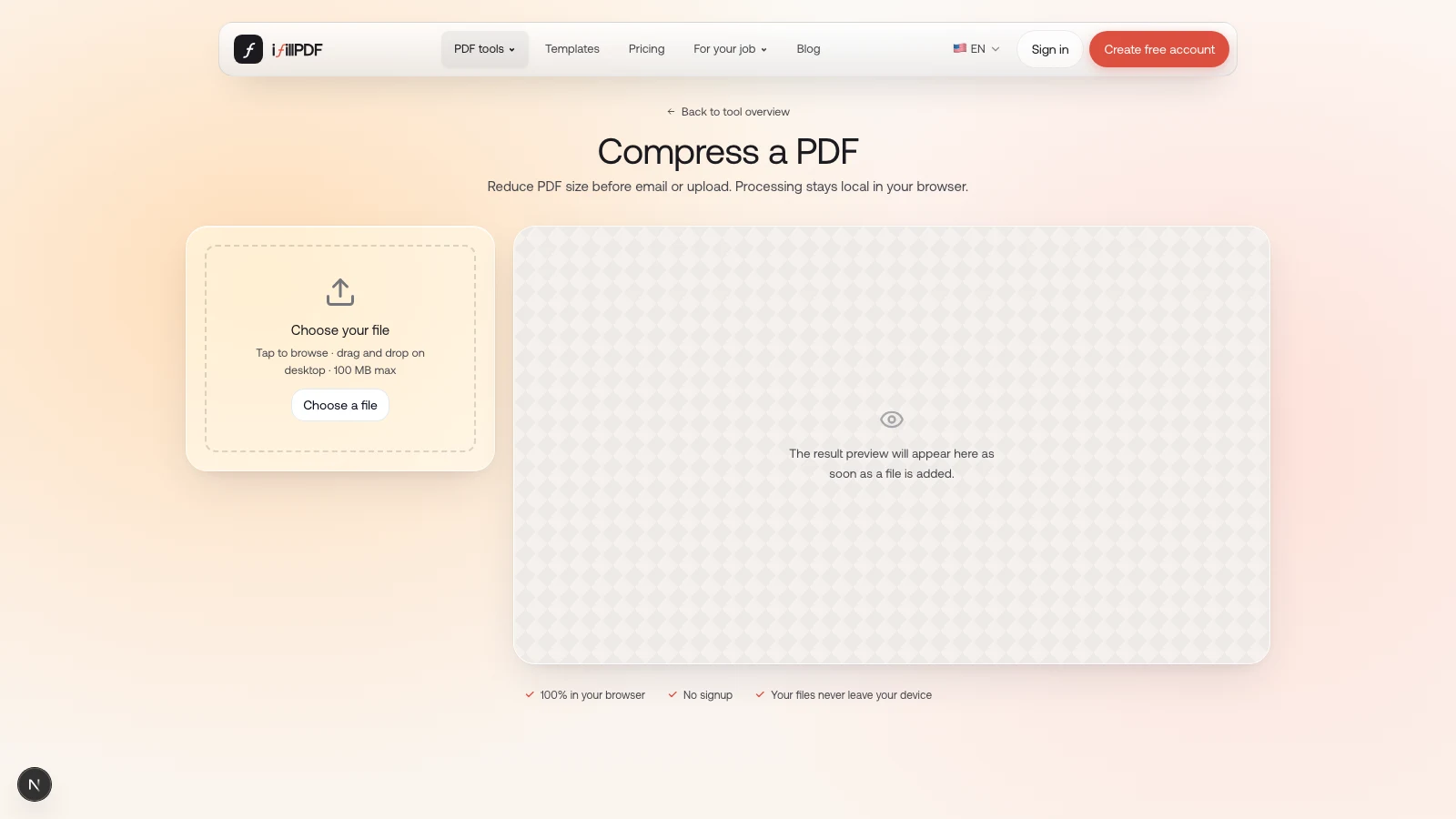
The iFillPDF compressor processes the PDF on your device and lets you download the result without an account. It rewrites the file structure more compactly; for photo-heavy scans, pair it with a lower-resolution scan export when the portal asks for a smaller file.
- Keep the original. Make a copy so you can return to it if the output is unsuitable.
- Add the PDF to the compression tool. The preview is generated automatically.
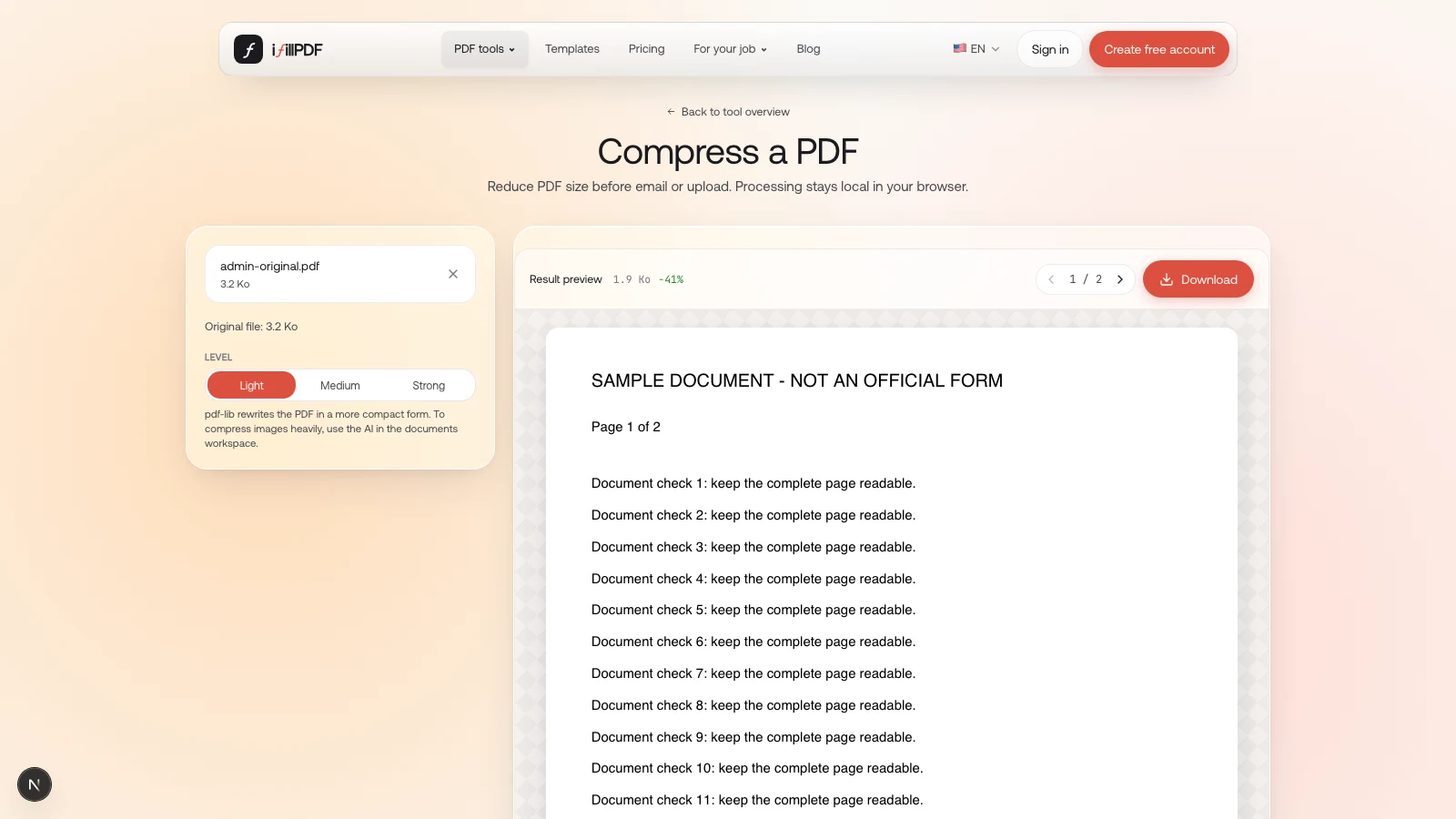
- Choose Light for a first attempt. This avoids the form flattening used by the Strong setting.
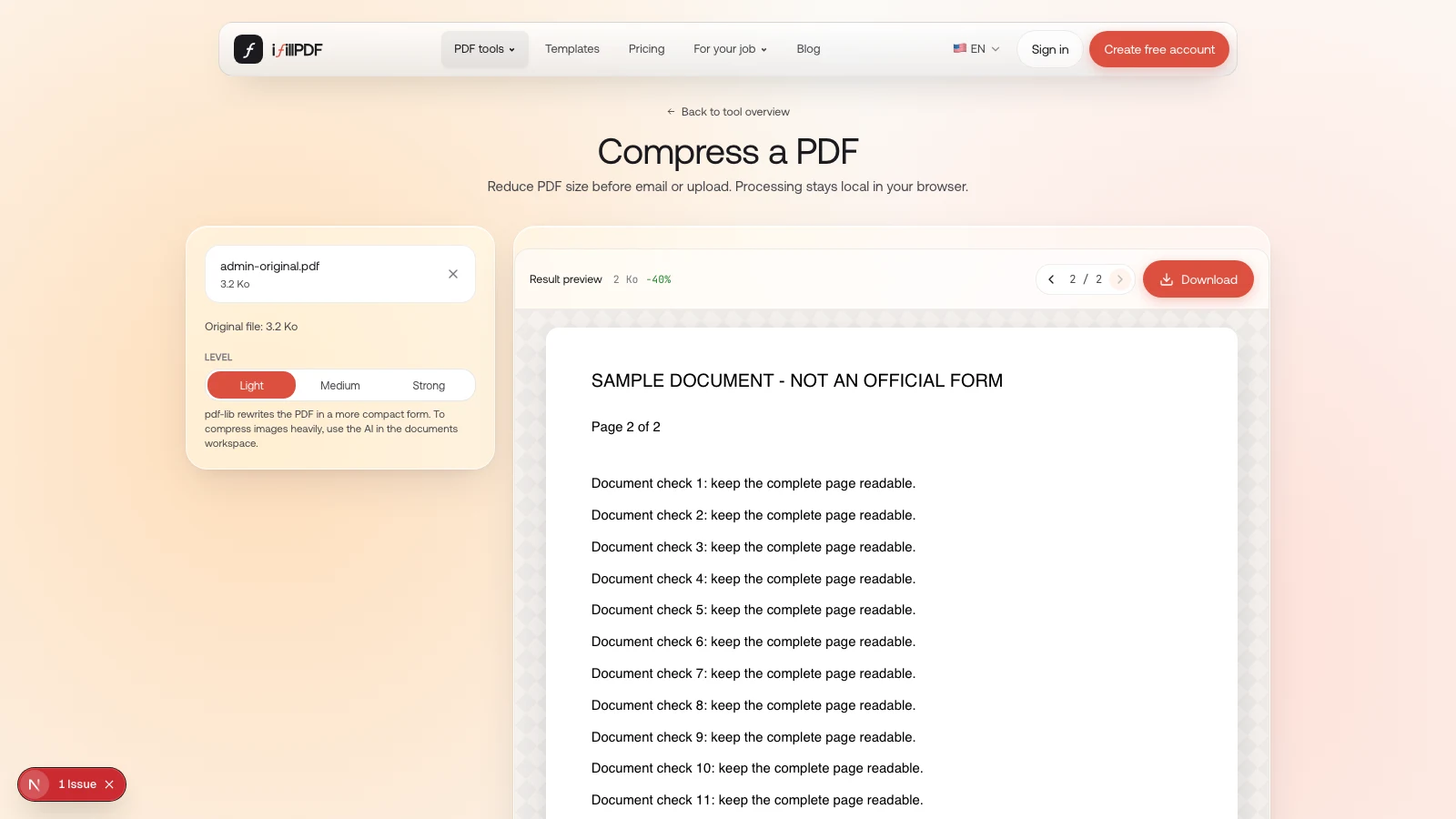
- Compare the sizes. Check whether the result is smaller and whether it fits the portal’s limit.
- Download the PDF. Save it with a clear name that distinguishes it from the original.
- Open the downloaded copy. Check the pages before uploading it to the government website.
Medium also clears several document metadata fields. Strong additionally flattens supported form fields, which means they stop being interactive. These settings are not image-resolution controls. For a completed official form, start with Light and follow any instructions about preserving fields, signatures, or the original PDF format.
If a scanned PDF is still too large
A scanned PDF often stores an image of each page. Rewriting the PDF structure may save little when those images account for most of the file. Repeating the same compression will not necessarily make it smaller.
Return to the scanner or scanning app and export another copy with a lower image-quality setting. Keep the page edges, small print, stamps, and any information on the reverse side. Use grayscale only if the receiving agency allows it and color carries no relevant information. There is no single resolution that suits every document and portal.
Compare the new scan with the original. If letters run together, a stamp becomes unclear, or a barcode loses detail, use a clearer export. Even Adobe’s compression guidance acknowledges that reducing image quality can affect the result. Source: Adobe’s German PDF compression guide.
If you still have the original Word document or spreadsheet, exporting a smaller PDF from that source may avoid scanning altogether. For evidence received from someone else, ask for a clearer, smaller copy instead of rebuilding the document yourself.
Keep complete pages and working forms
Reduce the file’s size while preserving the information the recipient needs. Do not crop off a signature, seal, page number, or margin containing notes just to save space. Remove a blank page only after checking that it is genuinely blank and that the submission instructions allow the change.
For a fillable form, confirm that entered values remain visible when you reopen the downloaded copy. If the portal requires interactive fields, avoid flattening it. The guide to filling a PDF without Acrobat explains the difference between form fields and text added over a page.
Treat a certificate-signed PDF separately. Rewriting a signed file can invalidate its cryptographic signature. Keep the signed original and ask the issuer or receiving agency for an acceptable smaller version or submission method. A signature that still looks visible on the page is not proof that the digital signature remains valid.
Check the PDF before you upload it
Open the final file and compare it with the original, page by page. Use the checklist below before selecting it in the government portal.
| Check | What to look for |
|---|---|
| File size | The downloaded copy fits the limit shown by the portal. |
| Page count | Every required page is present, in the right order. |
| Readability | Names, dates, small print, stamps, and barcodes remain clear. |
| Form values | Completed fields are visible and work as required. |
| File protection | Password and encryption settings match the portal’s instructions. |
| Submission | You selected the final copy and received the portal’s confirmation. |
Compression and submission are separate steps. Return to the official portal to upload the file; a successful download from a compressor does not submit your documents. Keep the original, the submitted copy, and the confirmation for your records.
If you are sending an attachment by email instead, use the separate guide to PDF email size limits. An email attachment limit does not establish the limit for an administrative upload.
Frequently asked questions
What is the USCIS upload file size limit?
USCIS’s published evidence-upload guidance specifies a maximum of 12 MB per file. Check the instructions for your particular form and upload screen, including accepted formats, readability, and password restrictions. Do not apply that limit to other government portals.
Can I compress a PDF for free without Acrobat?
Yes. The iFillPDF compressor lets you process a PDF locally and download the result without an account. Its structural compression is useful for many PDFs; for scan-heavy files, combine it with a lower-resolution scan export and then confirm the portal’s final size requirement.
Why is my PDF not getting smaller?
The file may already use compact storage, or its size may come mostly from images. Try a smaller export from the original application or scanner. Compare readability before replacing the original; repeatedly running the same compressor may not help.
Should I split a PDF to meet an upload limit?
Only if the receiving portal permits separate files for that document. Preserve every required page and its order. Do not split a form or supporting document when the instructions require a single file.
Can I compress a digitally signed PDF?
Keep the signed original. Rewriting a certificate-signed PDF can invalidate its signature even if the visible signature remains. Ask the issuer or receiving agency how to supply a smaller valid file rather than assuming a compressed copy is equivalent.
Will a smaller PDF always be accepted?
No. Size is only one requirement. The portal may also check format, passwords, document completeness, or other submission rules. Review its error message and instructions instead of continuing to compress a file that already fits the size limit.